Key Takeaways from this Guide
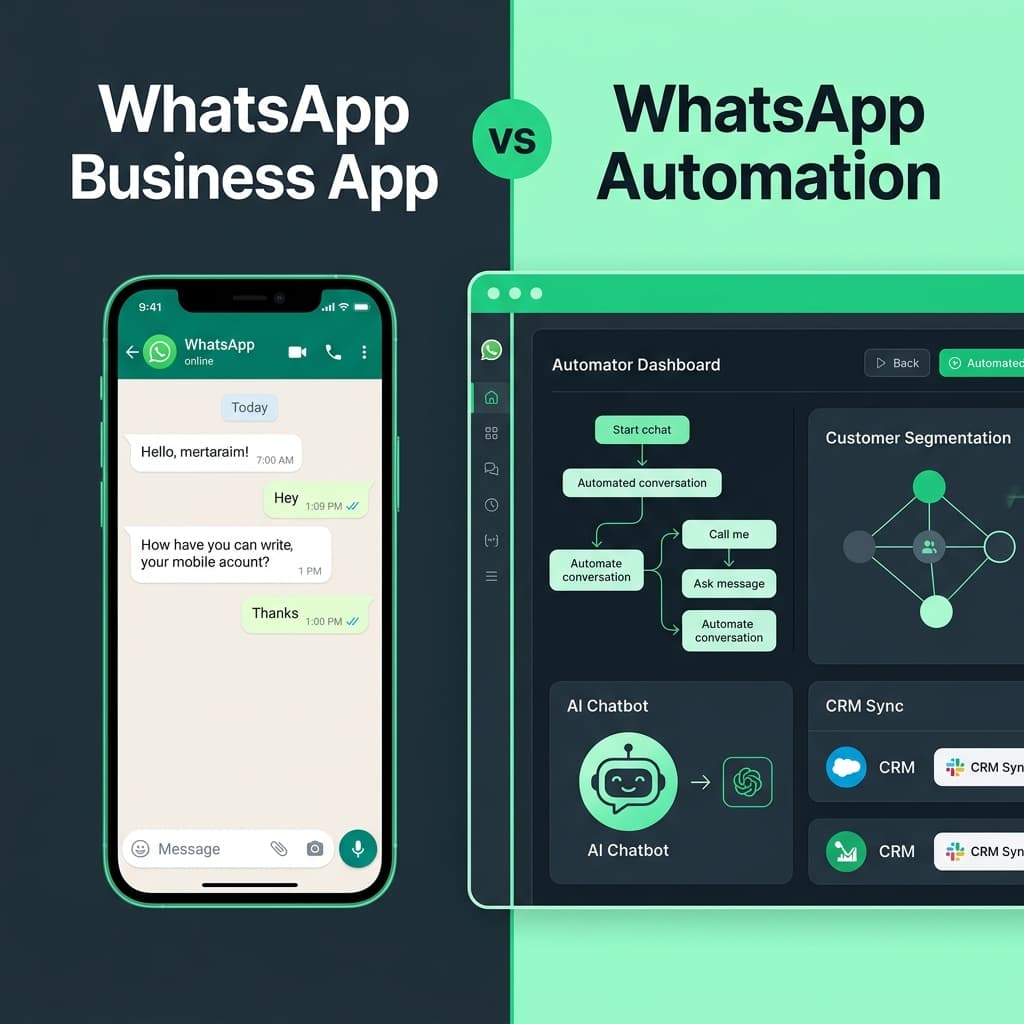
- Learn the key differences between the standard WhatsApp Business App and WhatsApp Automation software.
- Compare features, workflows, follow-up capabilities, team collaboration, and CRM integrations in a detailed breakdown table.
- Understand exactly when the WhatsApp Business App is enough and when your business needs WhatsApp Automation.
- Explore practical automation examples for lead follow-ups, customer service, appointment reminders, and marketing campaigns.
- See real-world business scenarios comparing manual messaging with automated workflows.
WhatsApp Automation vs WhatsApp Business App: Which Is Better for Your Business?
WhatsApp has become an important way for businesses to talk to customers. But as your customer enquiries, follow-ups, orders, and marketing messages increase, using only the WhatsApp Business App can become difficult to manage.
This is where WhatsApp automation can help.
But which is better for your business — the WhatsApp Business App or WhatsApp automation software?
The answer depends on how your business communicates with customers, how many conversations you handle, and how much of your communication you want to automate.
In this guide, we’ll compare WhatsApp Automation vs WhatsApp Business App in simple terms so you can understand which option fits your business.
What Is WhatsApp Business App?
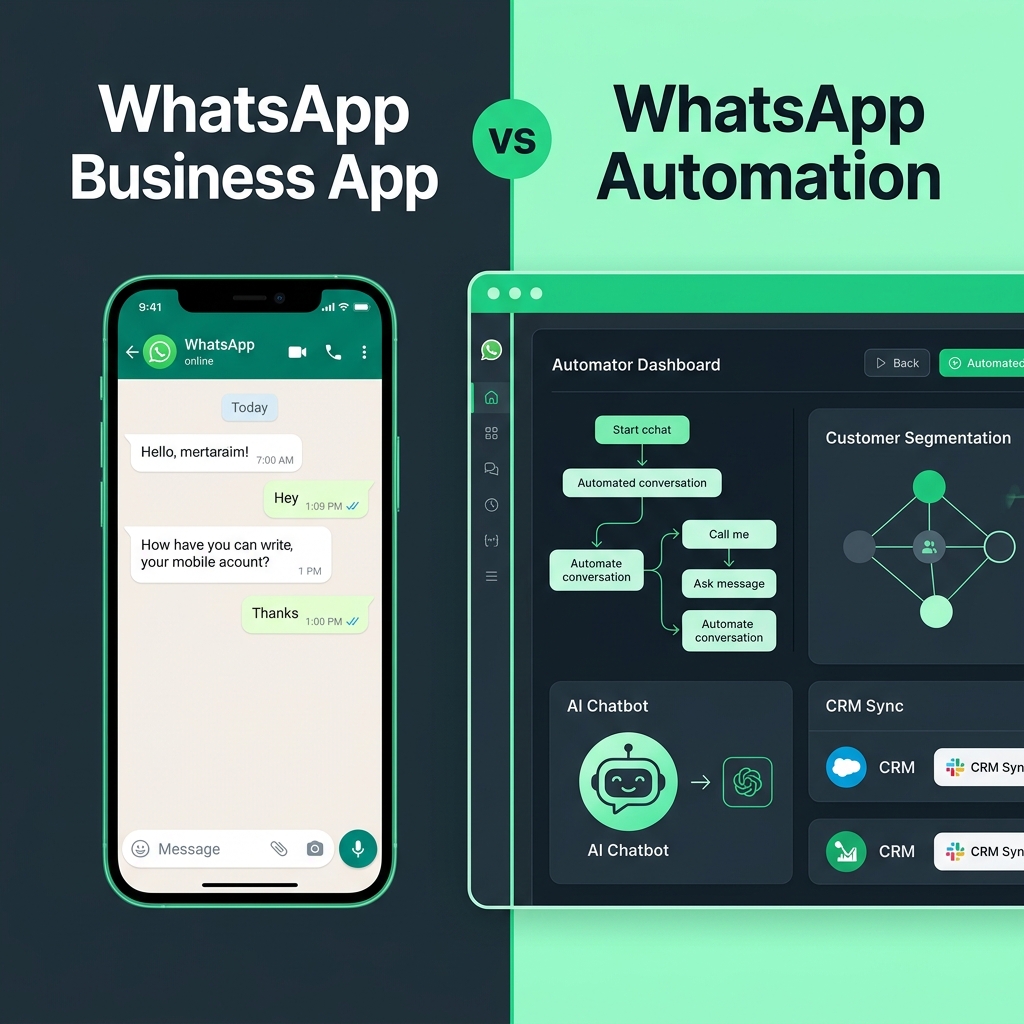
The WhatsApp Business App is designed for businesses that need a simple way to communicate with customers.
It can help businesses:
- Create a business profile
- Reply to customer messages
- Set greeting messages
- Set away messages
- Create quick replies
- Organize chats with labels
- Share product information
- Communicate directly with customers
For a small business with a limited number of customer conversations, this may be enough.
However, problems can appear when the number of customers and daily conversations increases.
What Is WhatsApp Automation?
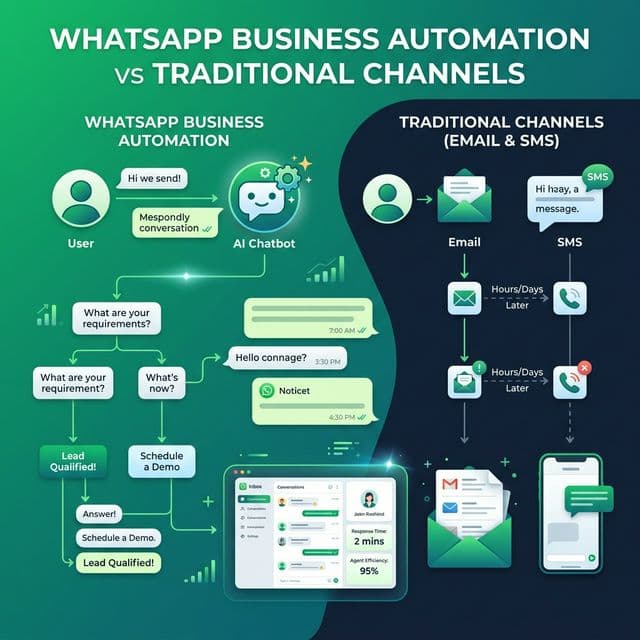
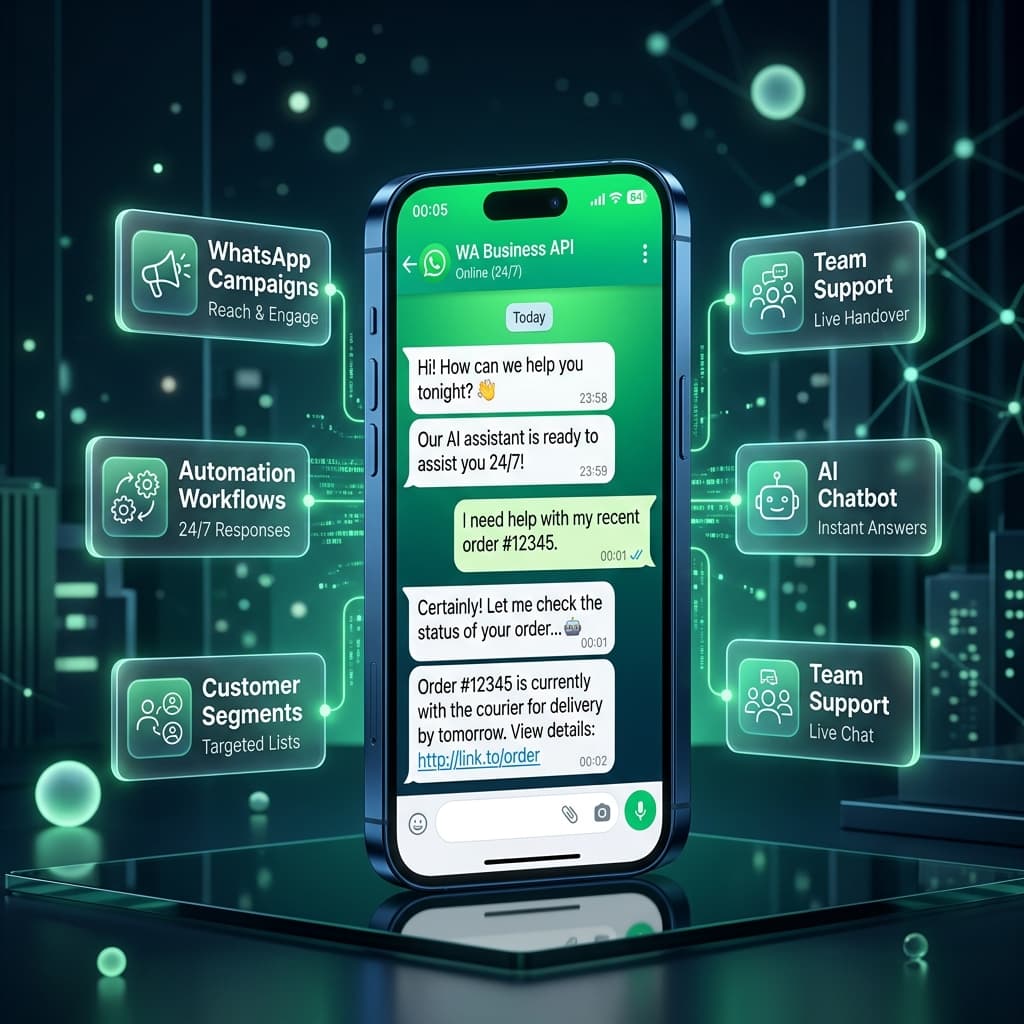
WhatsApp automation uses automated workflows to handle repetitive customer communication.
Instead of your team manually sending every message, you can create workflows that automatically respond or follow up based on customer actions.
↓
Automatic WhatsApp response
↓
Product or service information
↓
Follow-up if customer doesn't respond
↓
Sales team takes over when required
This allows businesses to manage customer communication more consistently without manually performing every step.
WhatsApp Business App vs WhatsApp Automation
The biggest difference is simple:
WhatsApp Business App helps you communicate with customers.
WhatsApp Automation helps you manage and automate the communication process.
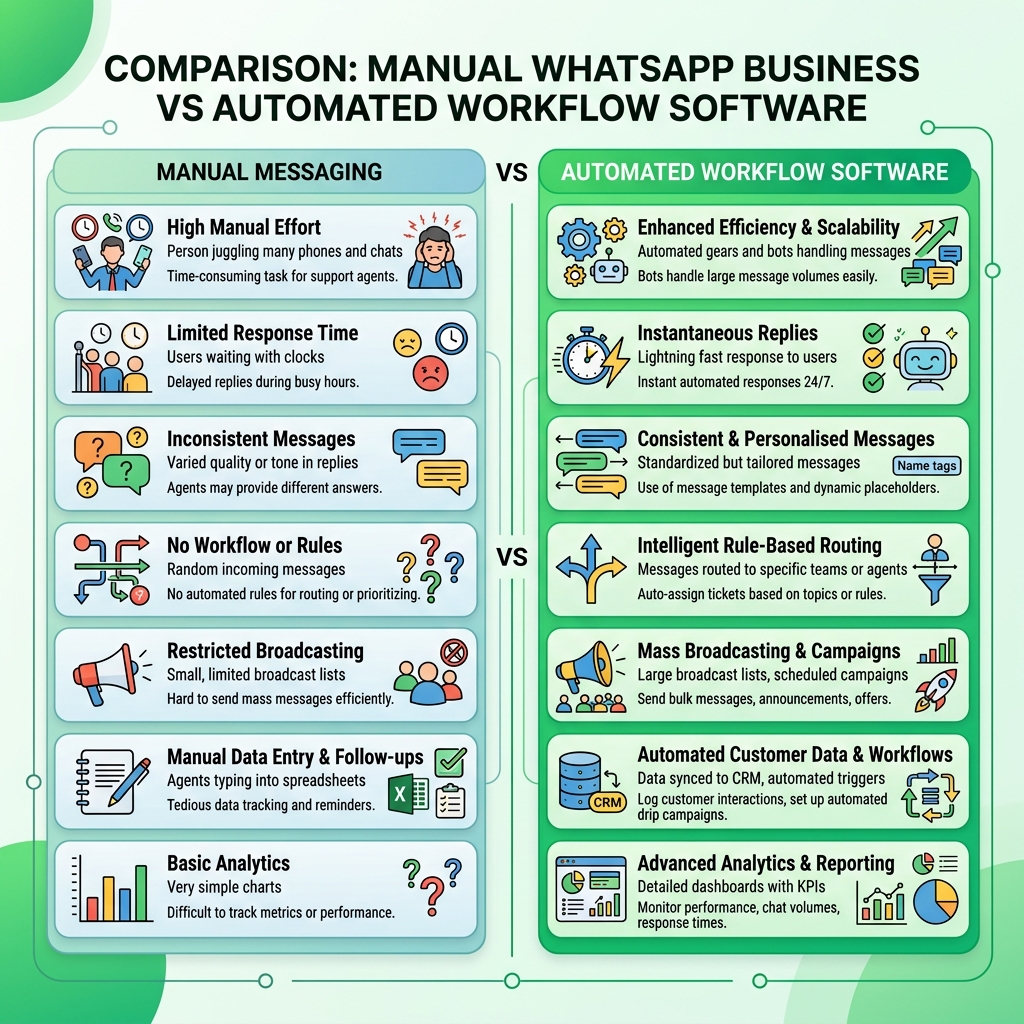
Detailed Feature Comparison Table
When Is WhatsApp Business App Enough?
The WhatsApp Business App may be suitable if your business:
- Receives a small number of enquiries
- Has one or a few people managing WhatsApp
- Mainly answers customer questions manually
- Does not need complex follow-ups
- Does not need advanced customer segmentation
- Does not need detailed communication analytics
For example, a local shop receiving 20–30 customer enquiries a day may be able to manage communication directly through the app.
You may not need a complex automation system if your current process is already easy to manage.
When Does Your Business Need WhatsApp Automation?
Automation becomes more useful when your team spends significant time repeating the same communication tasks.
Consider automation if your business regularly handles:
📩 New Customer Enquiries
A customer asks about your product or service. Instead of waiting for staff, an automated workflow immediately provides basic information.
🔄 Lead Follow-Ups
A customer shows interest but doesn't respond. Your workflow automatically sends a follow-up after a defined period.
📅 Appointment Reminders
Customers automatically receive appointment confirmations, schedules, and helpful reminders before their booking.
📦 Order Updates
Customers receive status updates about their order or service without your team manually sending every message.
🎧 Customer Support
Frequently asked questions are handled automatically, while complex conversations pass smoothly to your human team.
🎯 Customer Engagement
Organize customers into relevant groups and send appropriate communication based on specific customer activities.
WhatsApp Automation for Lead Follow-Up
One of the biggest advantages of automation is reducing missed follow-ups.
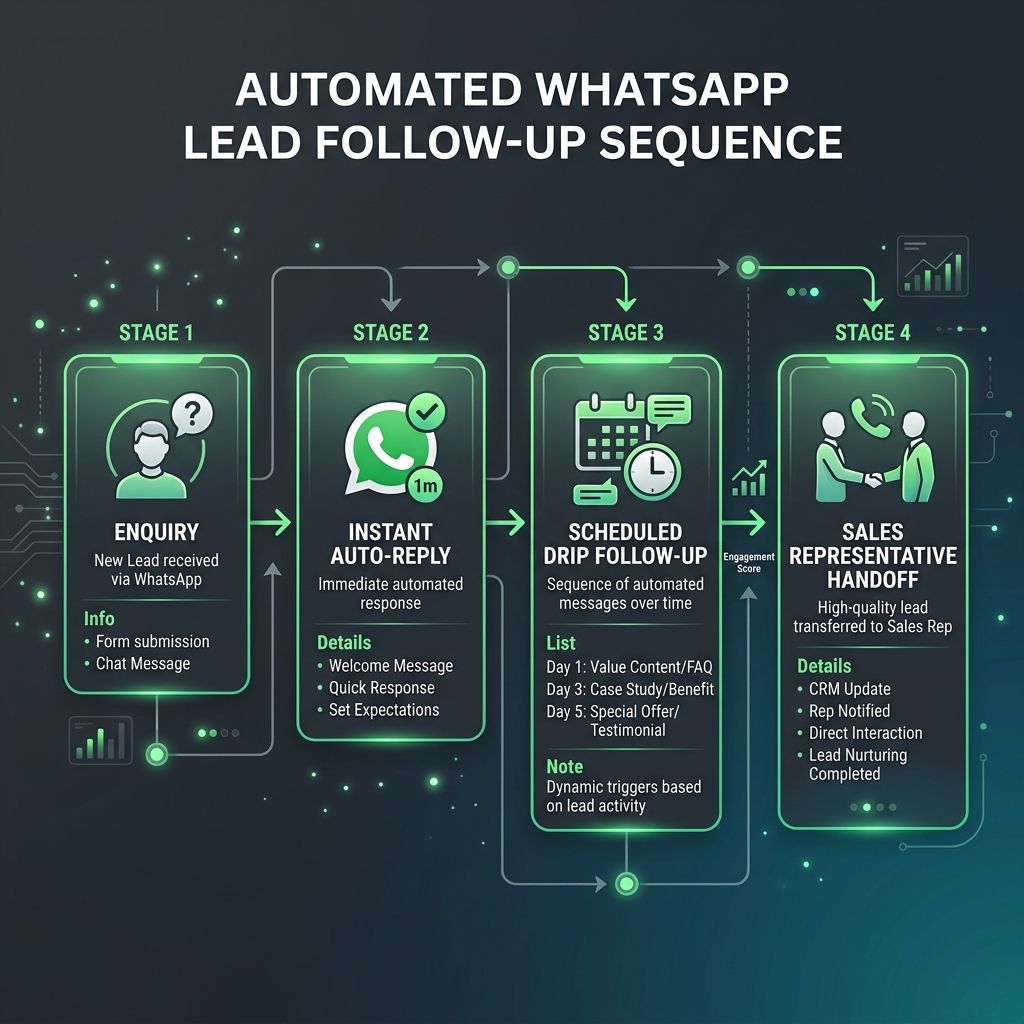
Imagine a customer submits an enquiry:
9:00 AM — Customer Enquiry
↓ 9:01 AM — Automatic Response: “Thanks for contacting us. Here are our course details.”
↓ Next Day — Automated Follow-Up: “Would you like to speak with our team?”
↓ Customer Responds
↓ Sales Team Continues the Conversation
Instead of your staff remembering every follow-up, the workflow handles the repetitive steps.
WhatsApp Automation for Customer Communication
Automation isn’t only for marketing. Businesses can use WhatsApp automation for everyday operational communication such as:
- Appointment confirmations
- Appointment reminders
- Order updates
- Delivery notifications
- Payment reminders
- Registration updates
- Service notifications
- Customer follow-ups
- Enquiry responses
- Support requests
This can help your team spend less time repeating messages and more time handling conversations that actually need human attention.
WhatsApp Automation for Marketing Campaigns
Businesses also use WhatsApp to communicate promotions and customer engagement messages.
↓
Customer Segment
↓
WhatsApp Message
↓
Customer Clicks
↓
Follow-Up
↓
Sales Conversation
The important point is that automation should not mean sending the same message to everyone.
Better results can come from sending relevant communication to appropriate customer groups and following applicable WhatsApp policies and messaging requirements.
WhatsApp Business App vs Automation: Which Is Better?
There isn’t one answer for every business.
📱 Choose WhatsApp Business App if:
- Your customer volume is low
- Your team can handle conversations manually
- You only need basic business messaging
- You don’t need complex automation
⚡ Consider WhatsApp Automation if:
- Your business receives many enquiries
- Your team spends time on repetitive follow-ups
- You need automated customer journeys
- You manage marketing campaigns
- Multiple people handle customer communication
- You need customer segmentation
- You need analytics and communication tracking
- You want to connect WhatsApp with other business systems
A Simple Example: Education Business
Imagine an education business managing course enquiries:
Option A: Using Only WhatsApp Business App
A student sends: “Hi, I want to know about your course.”
- A staff member replies manually.
- The student doesn’t respond immediately.
- The staff member needs to remember to follow up later.
- If there are hundreds of enquiries, keeping track of every follow-up becomes difficult.
Option B: Using WhatsApp Automation
The same student enquiry starts an automated workflow:
Student Enquiry → Instant Course Info → Automated Follow-Up → Reminder → Student Responds → Staff Member Takes Over
The team can focus on conversations that require human attention instead of manually tracking every follow-up.
The Real Difference: Manual Communication vs Automated Workflows
The question isn’t really: “Which WhatsApp app is better?”
The better question is: “How much of my customer communication should my team have to manage manually?”
If your business has a small number of conversations, manual communication may be perfectly reasonable.
If your business is growing and your team is spending hours sending repetitive messages, automation can become much more valuable.
What Should You Choose?
Start with your current business requirements.
If you only need basic WhatsApp communication, the WhatsApp Business App may be enough.
If you need automated replies, follow-ups, customer journeys, campaigns, segmentation, team communication, and integrations, a WhatsApp automation platform may be a better fit.
The goal isn’t to automate everything. The goal is to automate repetitive communication while keeping your team involved where human interaction matters.
How Inaiwazhi Helps Businesses Automate WhatsApp Communication
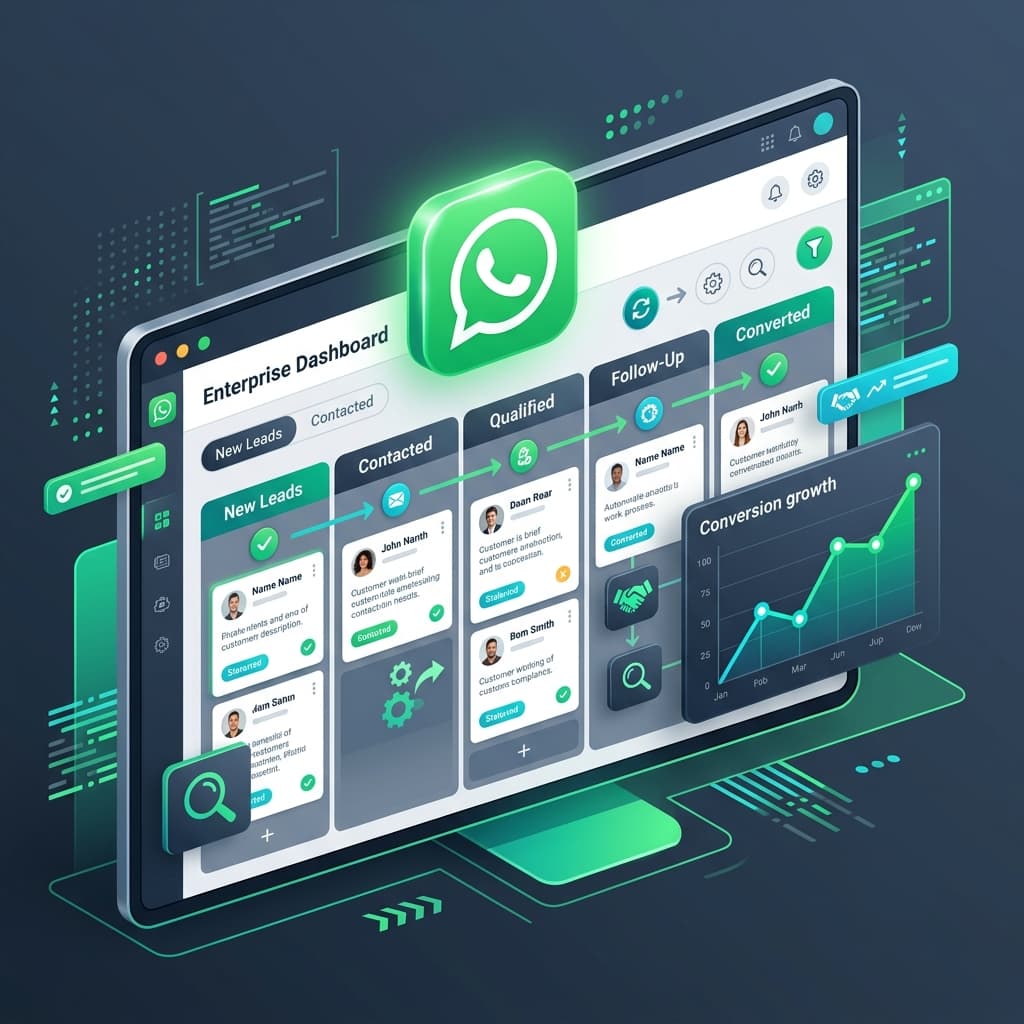
Inaiwazhi helps businesses manage WhatsApp communication through automation workflows, campaigns, customer management, team communication, and integrations.
Businesses can create workflows for:
- New enquiries
- Lead follow-ups
- Customer reminders
- Order communication
- Customer support
- Marketing communication
- Customer engagement
- Internal operational notifications
Your team can automate repetitive communication while continuing to handle conversations that require personal attention.
Frequently Asked Questions
Q: Is WhatsApp automation better than WhatsApp Business App?
It depends on your business requirements. The WhatsApp Business App is suitable for simpler communication, while automation is more useful for businesses managing larger volumes, repetitive follow-ups, campaigns, workflows, or team-based communication.
Q: What is the difference between WhatsApp Business and WhatsApp automation?
WhatsApp Business provides tools for managing business conversations manually. WhatsApp automation adds workflows that can automatically respond, follow up, segment customers, and trigger communication based on customer actions.
Q: Can small businesses use WhatsApp automation?
Yes. Small businesses can use automation for enquiries, reminders, follow-ups, appointments, customer support, and other repetitive communication to save time and reduce missed opportunities.
Q: Can WhatsApp automation send automatic follow-ups?
Yes, automation workflows can be configured to send follow-ups based on defined triggers, timing, customer actions, and applicable messaging rules.
Q: Can WhatsApp automation be used for marketing?
Yes. Businesses can use appropriate WhatsApp marketing campaigns and automated customer journeys, subject to WhatsApp’s applicable policies, templates, consent requirements, and messaging rules.
Q: Can WhatsApp automation connect with a CRM?
Depending on the platform and plan, WhatsApp automation can be connected with CRM and other business systems through integrations or APIs.
Final Takeaway
The WhatsApp Business App is a good starting point for simple customer communication.
But when your business starts handling more enquiries, follow-ups, campaigns, customers, and team conversations, manually managing everything can become difficult.
WhatsApp automation helps turn individual messages into organized customer communication workflows.
The right choice depends on your business size, communication volume, team requirements, and automation needs.
Ready to see how WhatsApp automation could work for your business?
Automate repetitive communication while keeping your team involved where human interaction matters.
Conversation
0 Comments
Leave a reply
No comments yet
Be the first to share your thoughts!