Reach the Right CustomersSend the Right MessageContinue the Conversation
Your customers don't all need the same message. Send a new-product offer to interested customers, an order update to buyers, a reminder to customers with an upcoming appointment, or an important update to your selected audience.
With inaiwazhi, you can organize your customers, choose who should receive a message, personalize the communication, send it through WhatsApp and continue the conversation when customers respond.
Hi Arun 👋
Our new Smart TV collection is live.
Reply TV to get instant details & 20% off.
One Platform From Customer Selection to Customer Conversation
It starts with a simple question: “Who do I need to contact, and why?”
- •Define your target audience
- •Segment by behavior & tags
- •Craft WhatsApp templates
- •CTA buttons & media
- •Insert dynamic name & fields
- •Tailor offers per customer
- •Instant broadcast launch
- •Smart optimal time delivery
- •Direct to WhatsApp inbox
- •High open & read rates
- •Enable 2-way live chat
- •Instant automated replies
- •Assign leads to sales team
- •Convert chat into closed sale
Select Customers
Define your audience & segment by tags
Create Message
Craft approved WhatsApp templates & buttons
Personalize It
Insert dynamic name & order fields
Send or Schedule
Instant launch or scheduled delivery
Customer Receives
Direct delivery into WhatsApp inbox
Customer Responds
Enable 2-way live chat & auto replies
Team Follows Up
Assign leads & convert chat to sale
Start With Your Customers
Don't Send Every Message to Everyone
Your customer database may contain thousands of people, but every campaign has a different purpose.
Mass Broadcast vs Targeted Audience
Organize Contacts
Keep your customer information organized in one place so your team can find the right people quickly.
Create Customer Segments
Group customers based on information such as location, customer type, interests, purchase history or engagement.
Add Tags
Use simple labels to tag contacts for instant targeting:
Target Your Audience
Choose the customers who are actually relevant to the message. Avoid spamming uninterested contacts.
Personalize Communication
Use available customer information to make messages more relevant to each recipient. Elevate response rates with personalized fields like Name, Order ID, City, and Last Purchased Category.
Now Decide What You Need to Tell Them
WhatsApp Communication Is More Than Marketing
Businesses communicate with customers for many different reasons.
IntentTargeted Intent
Marketing Messages
Use them when you want customers to discover, consider or purchase something.
Utility Messages
Use them to keep customers informed about an existing transaction, booking or service.
Authentication
Use them when a customer needs to verify their identity or account securely.
The Simple Difference
Quick guide to choosing the right WhatsApp message type for customer needs.
Promote something
Marketing Message“Get 20% OFF today.”
Give an update
Utility Message“Your order has shipped.”
Remind a customer
Utility Message“Your appointment is tomorrow.”
InaiWAZHI AI Assistant
Always Active • Official API
Verify a customer
Authentication“Your code is 482913.”
Continue conversation
Customer Care“How can we help you?”
In-chat Personalization
Dynamic Context“Hi Arun, appointment set.”
Create the Message Your Customer Will Receive
Make Every Message Relevant
Create your message using approved WhatsApp templates and supported customer information.
On average, 98% of context-rich WhatsApp messages are read by users within 3 minutes of receiving.
Around 75% of customers prefer WhatsApp communications for updates regarding deliveries, promotions, and surveys.
Send to One Customer or Many
One Campaign Can Reach Your Selected Audience
Suppose your business has 10,000 customers. You don't necessarily want to send your new-product announcement to all 10,000. Filter and target with precision.
10,000 Customers
Create Message
Approved WhatsApp Template
Review Audience
Selected: 2,500 Contacts
Send Campaign
One-Click Instant Dispatch
Customers Receive It
Personalized Direct Messages
Targeted Campaign
One campaign action can start thousands of individual customer conversations.
One Click → Multiple Customer Conversations
The Campaign Is Only the Beginning
Imagine a campaign broadcast sent by an electronics business:
Arun (Customer 1)
Active • Assigned to Sales Team
Send Now or Schedule for Later
Plan Communication Around Your Business
Prepare your campaign once and schedule it for the appropriate time. Ensure your messages land when customers are most receptive.
Useful For Various Campaign Types:
See What Happens After You Send
Don't Stop at “Message Sent”
A campaign is useful only when you understand what happens after communication starts.
This helps your team understand which campaigns are generating customer interest and where additional follow-up may be needed.
Turn Customer Responses Into Action
Marketing Starts the Conversation. Your Team Continues It.
When customers respond, your teams can continue the conversation seamlessly from one unified platform.
Marketing Team
Create campaigns and communicate with selected customer groups.
Sales Team
Identify interested customers and close sales fast.
Customer Support
Manage customer questions and resolve inquiries.
Operations
Send relevant updates and delivery reminders.
Management
Track communication & campaign performance metrics.
Everyone works from the same customer communication journey.
Connect Campaigns With Your Business Systems
Your Customer Communication Should Not Sit Separately From Your Business
Connect WhatsApp communication with the systems your business already uses.
CRM
SystemBring customer and lead information into your communication workflow.
E-commerce
SystemUse relevant order and customer information for communication.
ERP
SystemConnect operational information with customer notifications.
Website
SystemTurn website enquiries into WhatsApp conversations.
Custom Applications
SystemConnect your existing business applications seamlessly.
API & Integrations
SystemBuild WhatsApp communication into your own custom workflows.
Unified WhatsApp Business Engine
All CRM, E-commerce, ERP & website data flow into automated campaigns.
What Can You Do With WhatsApp Campaigns?
Product Launches
Tell selected customers about a new product or service.
Offers & Promotions
Reach relevant customers with seasonal or promotional communication.
Customer Re-Engagement
Reconnect with customers who have become inactive.
Event & Webinar Invitations
Invite customers and send event-related reminders.
Order & Delivery Updates
Keep customers informed about their purchases.
Appointment Reminders
Reduce missed appointments with timely communication.
Lead Follow-Ups
Continue conversations with people who showed interest.
Customer Retention
Stay connected after the first purchase or interaction.
Real Business Example
A Retail Business With 10,000 Customers
Situation: The business launches a new product.
WhatsApp Campaigns for Different Businesses
E-commerce & Retail
Product launches, offers, order updates, cart recovery and customer follow-ups.
D2C Brands
Promotions, new products, repeat purchases and customer re-engagement.
Education
Admissions, fee reminders, parent communication, student updates and events.
Healthcare
Appointment reminders, patient updates and follow-up communication.
Real Estate
Lead enquiries, property updates, site-visit reminders and sales follow-ups.
Travel & Tourism
Booking confirmations, itinerary updates, travel reminders and offers.
Manufacturing
Dealer communication, product updates, order info and operational alerts.
Service Businesses
Enquiries, appointments, reminders, service updates and follow-ups.
From Contact List to Customer Relationship
Everything Connects
Contact Mgmt
Organize customer database
Lead Segments
Filter targeted lists
Smart Tagging
Track lead intent
Personalization
Custom message variables
Campaigns
Targeted broadcast delivery
Real-Time Response
Instant customer replies
Team Handoff
Route to right agent
Lifecycle Follow-Up
Retain & grow relationship
EVERYTHING CONNECTS
Integrated WhatsApp Customer Ecosystem
Contact Mgmt
Organize customer database
Lead Segments
Filter targeted lists
Smart Tagging
Track lead intent
Personalization
Custom message variables
Campaigns
Targeted broadcast delivery
Real-Time Response
Instant customer replies
Team Handoff
Route to right agent
Lifecycle Follow-Up
Retain & grow relationship
Why Businesses Use WhatsApp for Customer Communication
Connect with customers through a familiar, high-open-rate channel.
Share important business news, updates and catalog info instantly.
Keep customers aware of upcoming dates, appointments & actions.
Start relevant 2-way conversations that build lasting trust.
Answer customer inquiries quickly with automated team routing.
Continue personalized communication after initial broadcast messages.
Understand delivery, open rates, clicks & customer response metrics.
Frequently Asked Questions
Find answers to common questions about our platform. If you have any other questions, feel free to reach out to our support team.
Ready to Make WhatsApp Part of Your Customer Communication?
Reach the Right Customers. Start Better Conversations.
Organize your customers, create relevant messages, launch campaigns, understand responses and help your teams continue the conversation.
Talk to the inaiwazhi team about your WhatsApp communication requirements.
Ecommerce Growth Strategies
Explore our best guides on increasing your store's sales and engagement.

End the Chaos: 3 Ways Inaiwazhi Organizes Your Support Team and Customer Inbox
Learn how Inaiwazhi brings structure to customer communication using Team Inbox, Tags & Labels, and Unified Customer View.
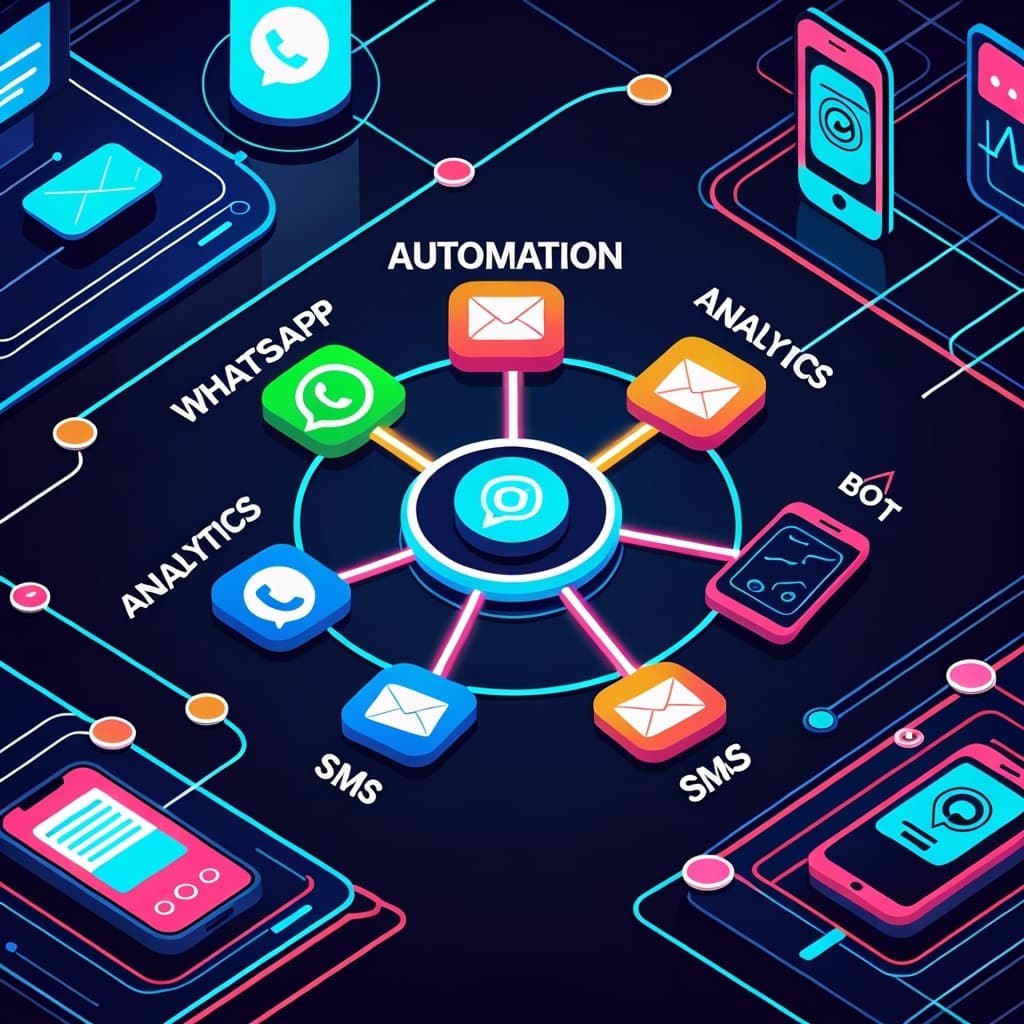
Inaiwazhi – AI-Powered WhatsApp Automation Tool for Businesses
Inaiwazhi is a WhatsApp-first automation platform that helps small businesses, D2C brands, and enterprises automate conversations, run targeted campaigns, and streamline customer support.
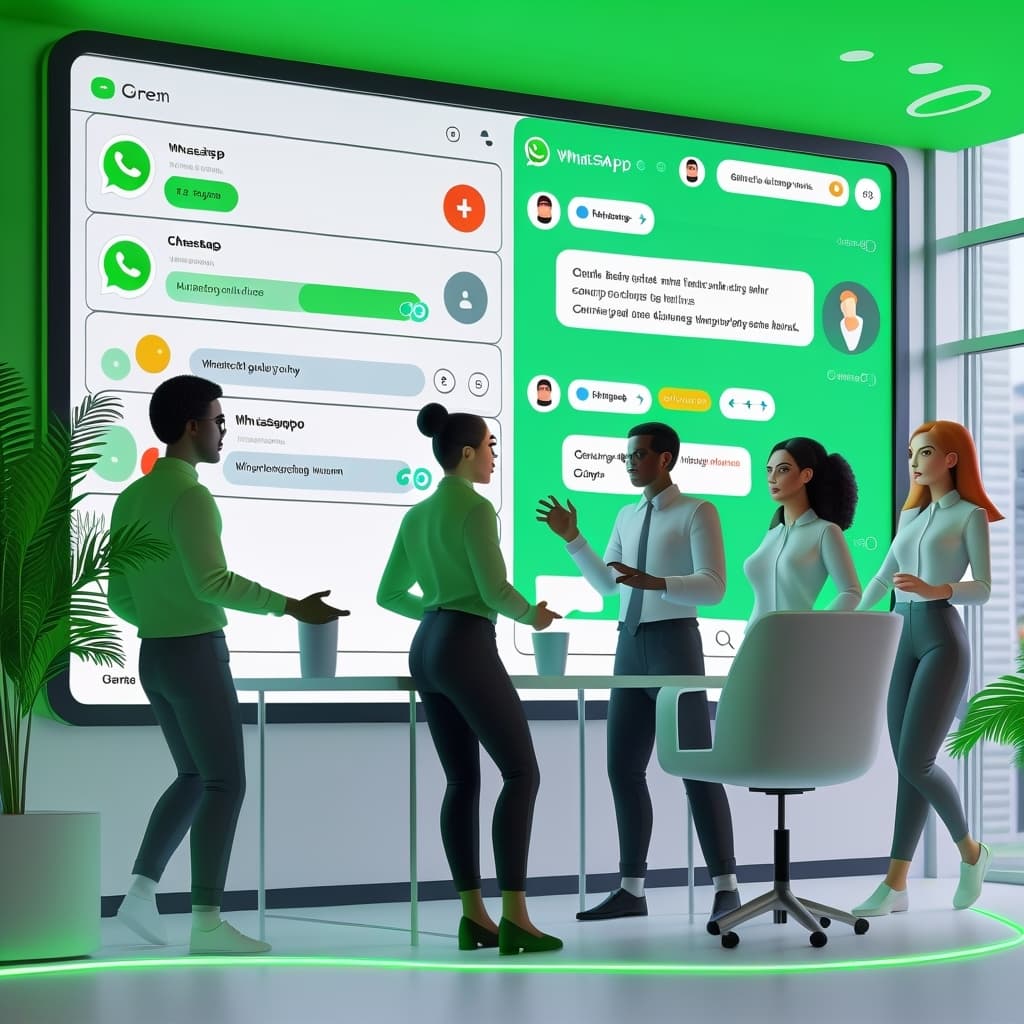
Inaiwazhi – The Best WhatsApp Automation Tool for Businesses
In today’s digital-first world, customers expect instant responses. Inaiwazhi is a WhatsApp-first automation platform designed to help businesses automate conversations and streamline support.