Key Takeaways from this Article
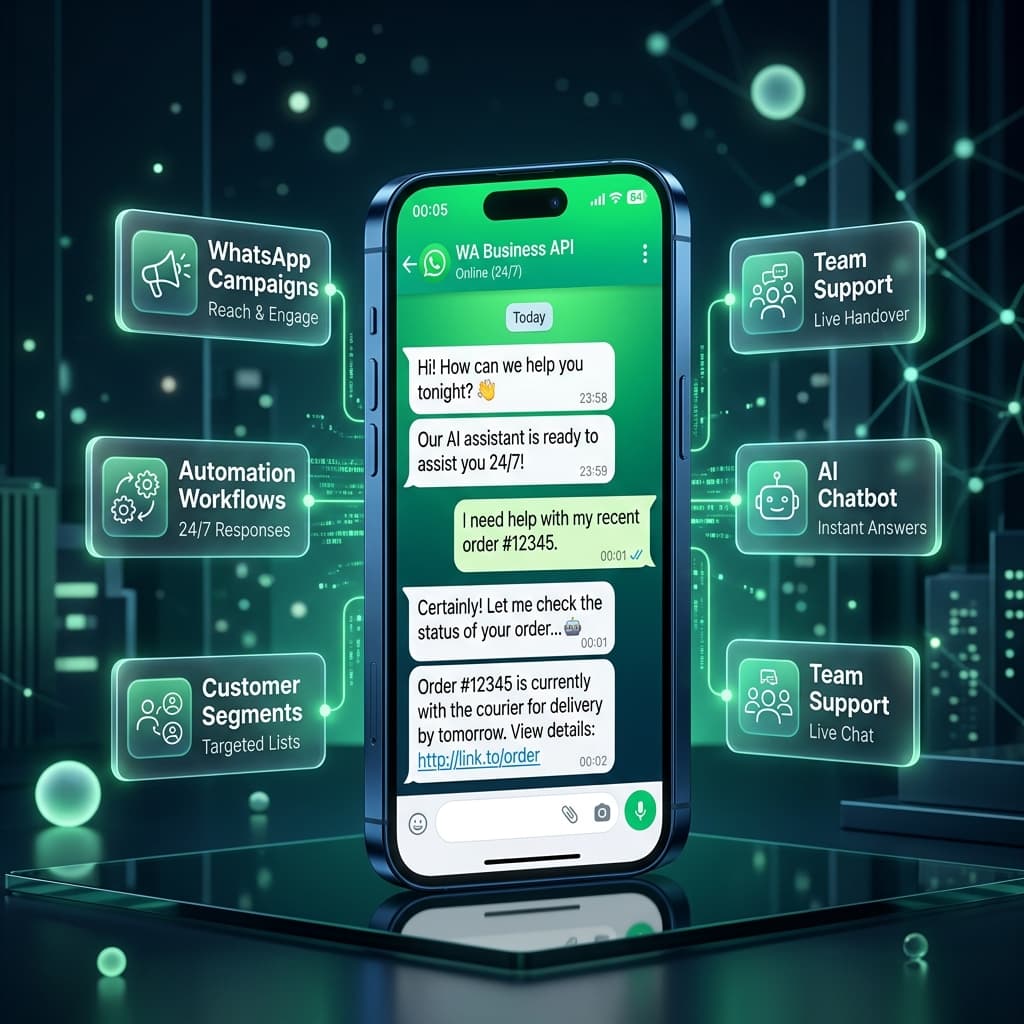
- Learn what happens when a customer messages your business at midnight and how to handle midnight inquiries.
- Discover how inaiwazhi connects WhatsApp campaigns, contacts, workflows, AI chatbots, and team support.
- Explore step-by-step how inaiwazhi connects the complete customer journey from enquiry to action.
- Learn how to send relevant campaigns, automate lead follow-ups, and train AI chatbots on business knowledge.
- See real-world ecommerce, education, healthcare, and agency use cases for WhatsApp automation.
What If a Customer Messages Your Business at Midnight?
Customers use WhatsApp to ask questions, enquire about products, request support, check orders, ask about services and respond to offers at all hours of the day and night.
But for a growing business, managing those conversations manually can become difficult fast:
- A customer sends a message at 11:45 PM asking about product availability.
- Another customer needs an urgent lead follow-up from yesterday.
- A hot sales lead needs immediate attention from a senior rep.
- A complex support question needs a specialist team member.
- A new campaign needs to reach a specific customer segment without spamming everyone.
WhatsApp messages shouldn't just be isolated chat threads.
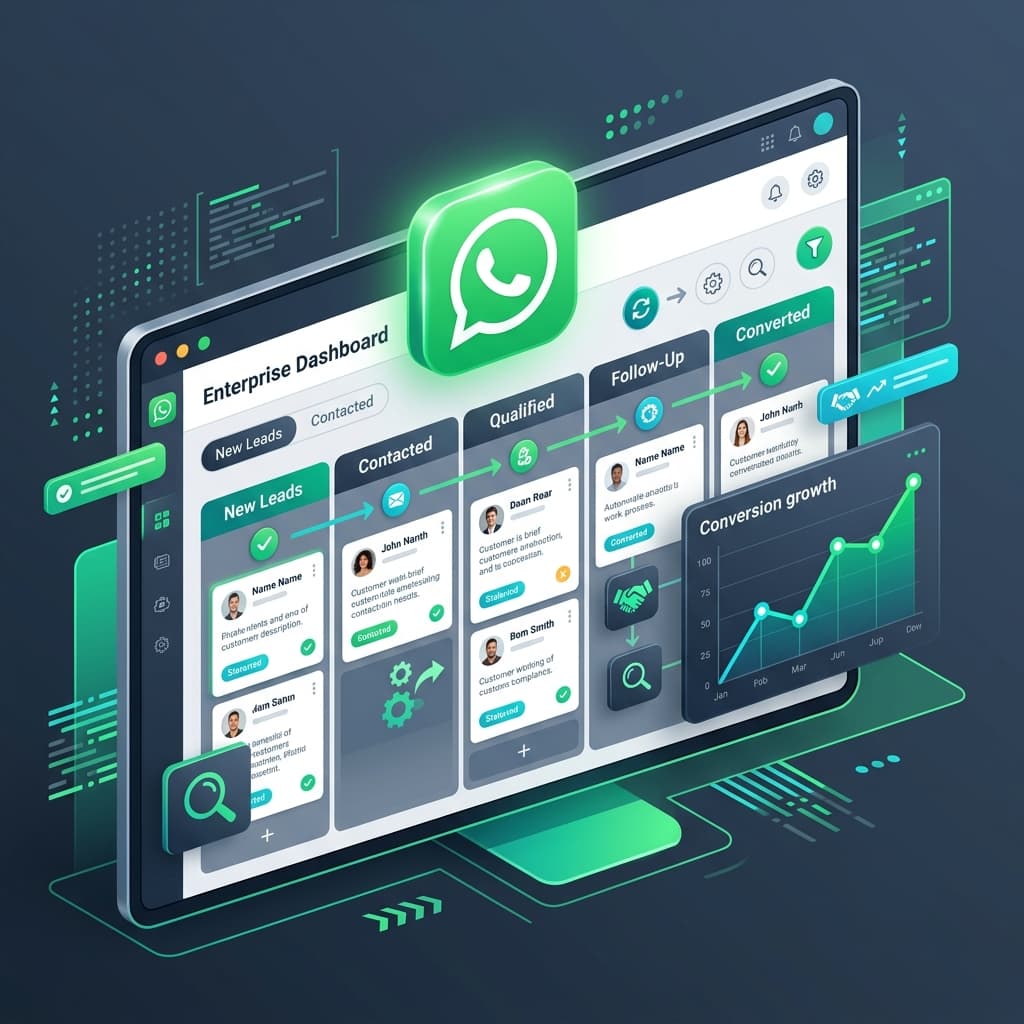
inaiwazhi brings WhatsApp activities together so businesses can manage customer communication, campaigns, workflows, AI conversations, and team actions from one system.
What Can You Do With inaiwazhi?
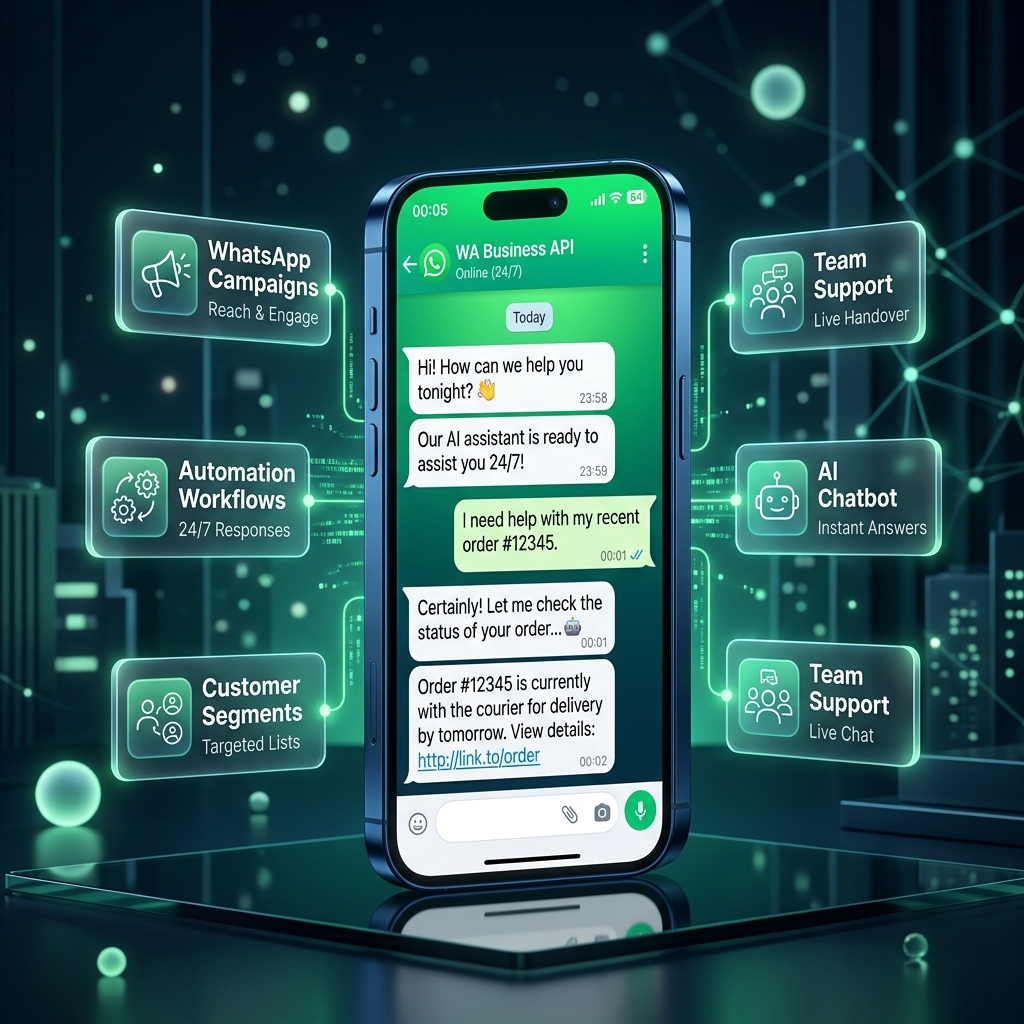
inaiwazhi brings together the main activities businesses need for WhatsApp communication in one unified platform:
🚀 WhatsApp Campaigns
Create targeted WhatsApp campaigns, use approved Meta templates, schedule communication and monitor real-time campaign performance.
👥 Customer Contacts & Segments
Organize customer contacts, create dynamic segments and use custom tags to make every message relevant.
⚡ Automation Workflows
Create visual workflows using triggers, conditions, actions and delays to handle repetitive customer journeys effortlessly.
🤖 AI Chatbot
Train the AI using your business documents, FAQs and knowledge sources so customers receive instant answers 24/7.
🎧 Team Communication
Bring customer conversations to the relevant human team member whenever a conversation requires human decision making.
🔌 Integrations & APIs
Connect WhatsApp communication with your CRM, ecommerce, LMS, web forms or custom applications with webhooks and SDKs.
How inaiwazhi Connects the Customer Journey
Instead of looking at campaigns, support and automation as separate activities, consider the complete customer journey:
↓
Website / Ad / Existing Contact
↓
↓
Customer Conversation
↓
┌───────────────────────┬───────────────────────┐
↓ ↓ ↓
Campaign Automation AI Engine
↓ ↓ ↓
Segment Workflow Answer
└───────────────────────┴───────────────────────┘
↓
Human Team if Needed
↓
Follow-up / Action
↓
Satisfied Customer
This is the core idea behind using inaiwazhi: customer communication should lead to an action, not just another message.
1. Send More Relevant WhatsApp Campaigns
Businesses often have different types of customers:
- New customers
- Existing customers
- Interested sales leads
- Repeat purchasers
- Customers waiting for an order delivery
- Customers who need follow-up
Instead of treating everyone as one generic audience, use customer data to structure your communication:
- Organize contacts: Keep customer information structured and accessible in one place.
- Create customer segments: Group customers based on characteristics, purchase history, or recent activity.
- Add custom tags: Identify customers with labels such as New Lead, Interested, or VIP Customer.
- Personalize communication: Make messages highly relevant to the customer and their current stage.
- Target campaigns: Send broadcast campaigns exclusively to the audience relevant to the message.
- Trigger relevant workflows: Use customer actions to start the next automated follow-up step.
2. Automate Customer Journeys With Workflows
A workflow defines what should happen after a customer takes an action.
↓
Welcome Message
↓
Wait 24 Hours
↓
Customer Responds?
↙ ↘
Yes → Assign Team Rep No → Send Drip Follow-up
With workflow automation, businesses can structure repetitive communication instead of manually remembering every single follow-up.
Workflow Example: Product Enquiry
- Step 1: Customer enquires about a product via WhatsApp.
- Step 2: Customer automatically enters your contact list and receives the product catalogue.
- Step 3: The customer's response determines the next branch action.
- Step 4: Customer is tagged 'Hot Lead' in the CRM.
- Step 5: A relevant workflow schedules a follow-up for tomorrow.
- Step 6: A team member takes over when human negotiation or support is requested.
3. Let AI Handle Common Customer Questions
Customers don't always message during working hours. They may ask at midnight:
- “What is your return policy?”
- “How long does delivery take?”
- “What documents do I need for enrollment?”
- “What are your service timings?”
With inaiwazhi's AI chatbot, businesses can provide official documents and knowledge sources to answer customer questions accurately at any hour.
AI Conversation Flow
Customer → WhatsApp → Question → AI checks available knowledge → Instant Answer → Customer
Human Handoff Exception
Customer → AI → Human assistance required → Relevant Team → Customer
The goal is not to replace human staff. It is to reduce repetitive questions so your team can focus on complex conversations that require human judgment.
4. Connect Customer Conversations With Your Team
A single customer conversation can involve different departments inside your company.
Scenario A: Order & Payment Enquiry
Customer: “I made the payment, but my order is still showing pending.”
Flow: Customer → WhatsApp → Support Desk → Accounts/Ops → Issue Checked → Customer Notified
Scenario B: Education Admission Enquiry
Customer: “Can someone explain this course curriculum to me?”
Flow: Customer → WhatsApp → Admissions Desk → Course Advisor → Call Scheduled
5. Connect inaiwazhi With Your Business Systems
Businesses already rely on systems like CRMs, E-commerce platforms, LMS, and web apps:
↓
Integration / Webhook / API
↓
inaiwazhi Engine
↓
WhatsApp → Customer / Team
6. Use WhatsApp Across Different Business Teams
| Department | WhatsApp Use Case |
|---|---|
| Sales | Manage inbound enquiries, send proposals, schedule follow-ups |
| Customer Support | Handle customer questions, route tickets to right specialists |
| Marketing | Create targeted WhatsApp campaigns, nurture segments |
| Operations | Dispatch order notifications, delivery tracking links, invoices |
| Education / Schools | Connect students, parents, teachers, and administration staff |
Real Example: An Ecommerce Customer Journey
Imagine a customer visits an ecommerce website looking for a product:
- Stage 1 — Enquiry: Customer asks “Is this product available?” on WhatsApp.
- Stage 2 — Customer Data: Customer is organized and tagged in inaiwazhi.
- Stage 3 — Follow-up: Workflow sends a 10% coupon code if cart is abandoned.
- Stage 4 — AI Support: Customer asks “What is your return policy?” and AI replies instantly.
- Stage 5 — Human Support: Customer reports “My item arrived damaged” and support rep takes over.
Who Can Use inaiwazhi?
Ecommerce & D2C
Product enquiries, order updates, abandoned cart recovery, automated returns.
Education & Academies
Student admission enquiries, course fees, class reminders, staff coordination.
Travel & Tours
Booking enquiries, itinerary PDFs, instant customer assistance.
Healthcare & Clinics
Patient appointment confirmations, digital lab report delivery.
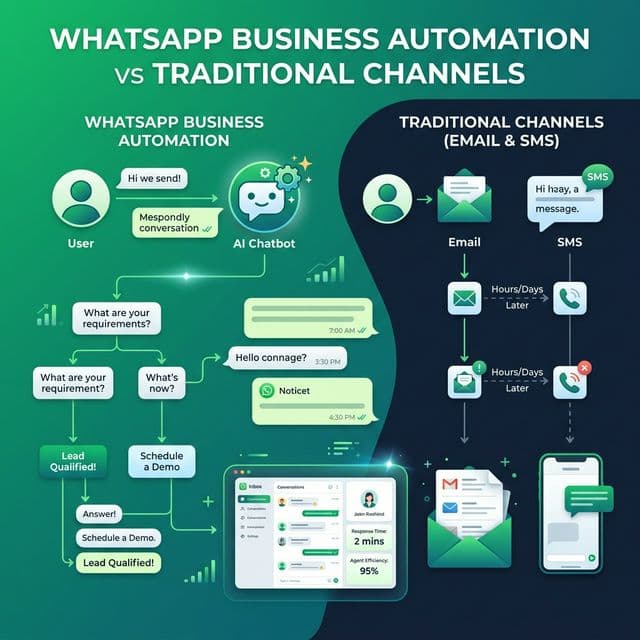
Why Businesses Need More Than WhatsApp Messaging
Sending a WhatsApp message is only one part of customer communication. A business must answer:
- Who should receive this message?
- What should happen after they respond?
- Should this customer receive another follow-up?
- Does a staff member need to take over?
- Where is the customer in their buying journey?
Ready to Build Your WhatsApp Communication Flow?
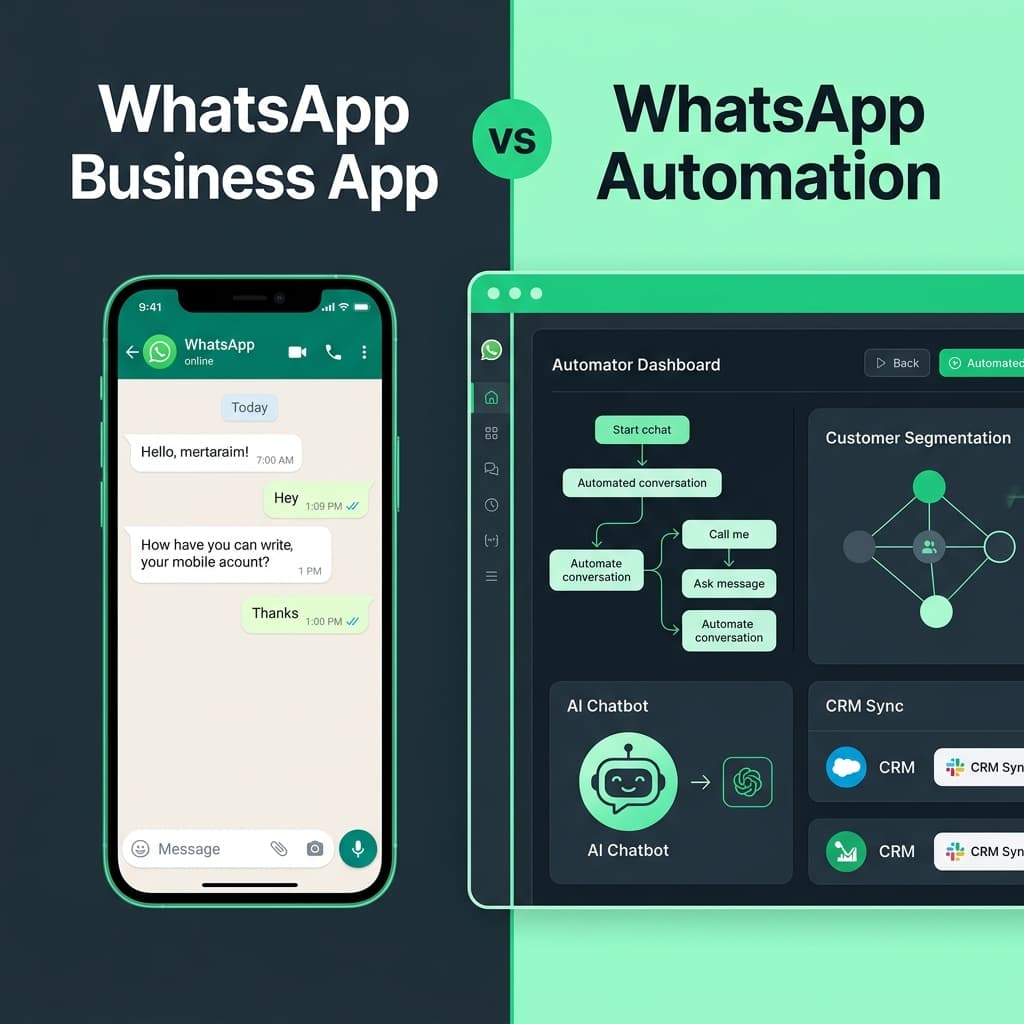
Whether you want to manage campaigns, automate repetitive workflows, answer questions with 24/7 AI, or connect WhatsApp with your CRM, start with inaiwazhi today.
Conversation
0 Comments
Leave a reply
No comments yet
Be the first to share your thoughts!