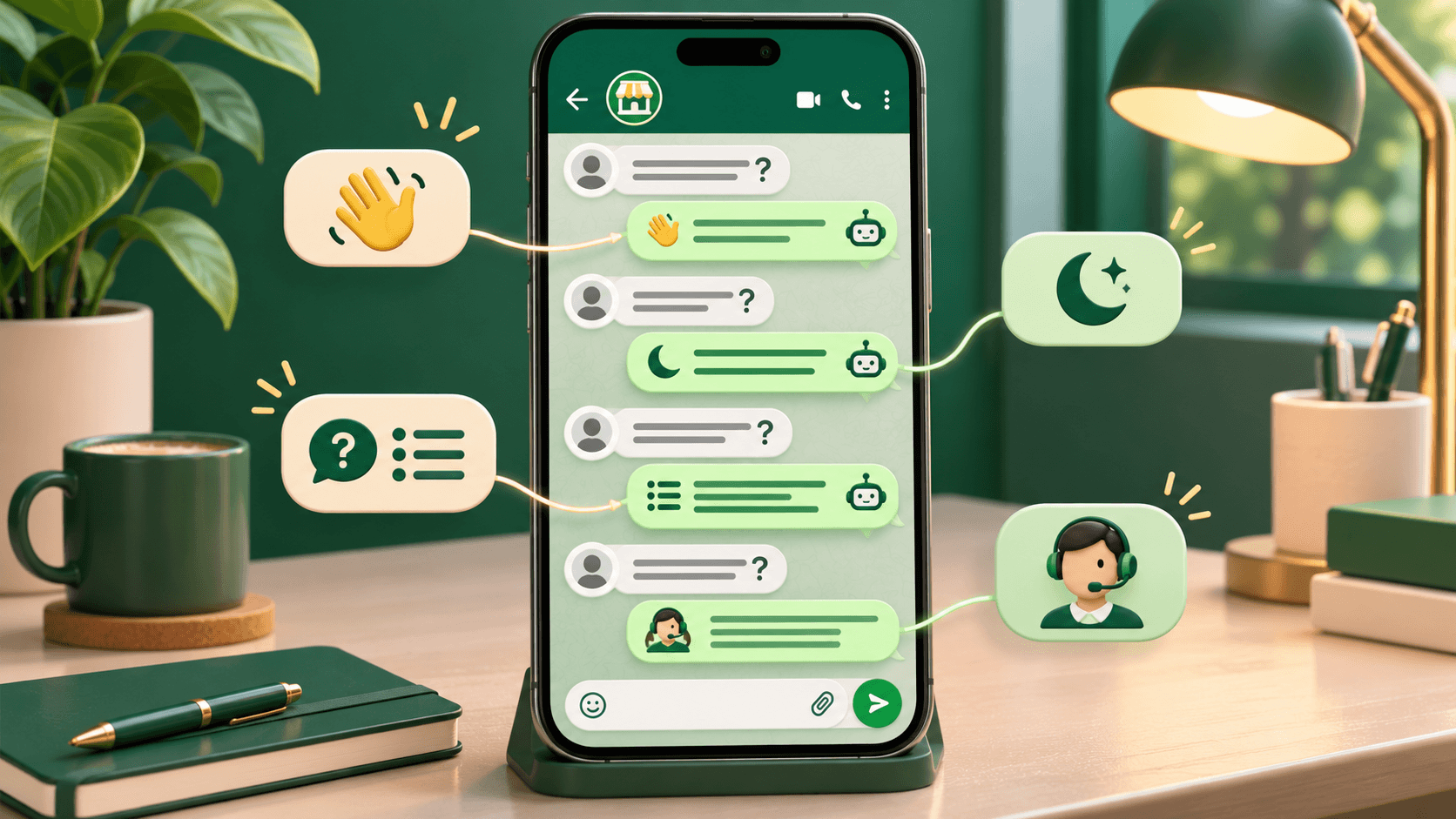
Set up greeting and away messages in WhatsApp Business
Use the WhatsApp Business app, rather than the regular WhatsApp app, to access its built-in auto replies.
Greeting message
A greeting can welcome a customer who messages you for the first time or after a long period without conversation. Open Settings → Business tools → Greeting message, switch on sending, write your message, choose who receives it, then save.
Away message
An away message lets customers know when you are unavailable. Open Settings → Business tools → Away message, switch it on, choose a schedule (always, custom hours, or outside business hours), write your message and save. Set your business hours in your profile if you use that schedule.
You can also save quick replies in Business tools. These are not automatic, but shortcuts such as /fees can insert a saved answer and speed up manual replies.
What the free app can and cannot do
Greeting and away messages are a useful start, but they generally acknowledge a message rather than answer the question. The app does not provide context-aware answers to questions such as “What are your fees?” or “Is this in stock?”, and it offers limited support for teams that need shared lead tracking and follow-up.
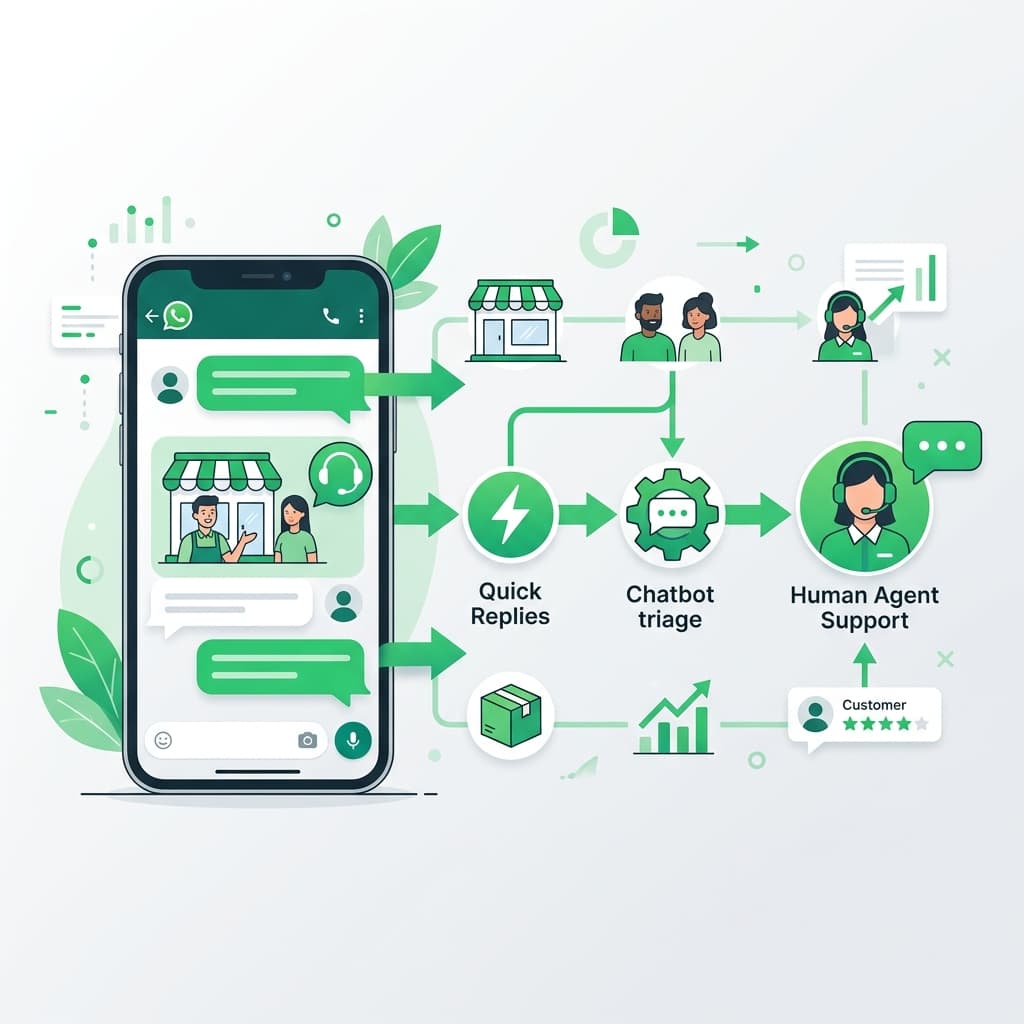
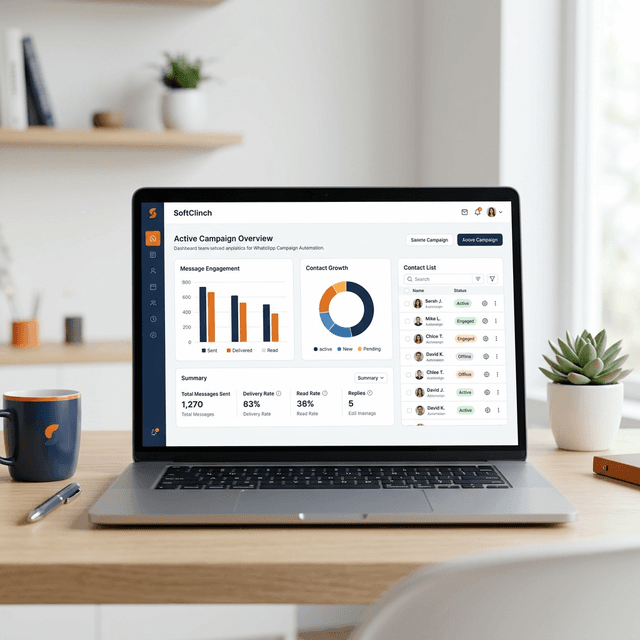
For a small number of daily enquiries, a simple greeting and clear response hours may be enough. As enquiry volume grows, consider a shared inbox, lead tracking and automation that can answer routine questions using your approved business information.
When AI auto reply can help
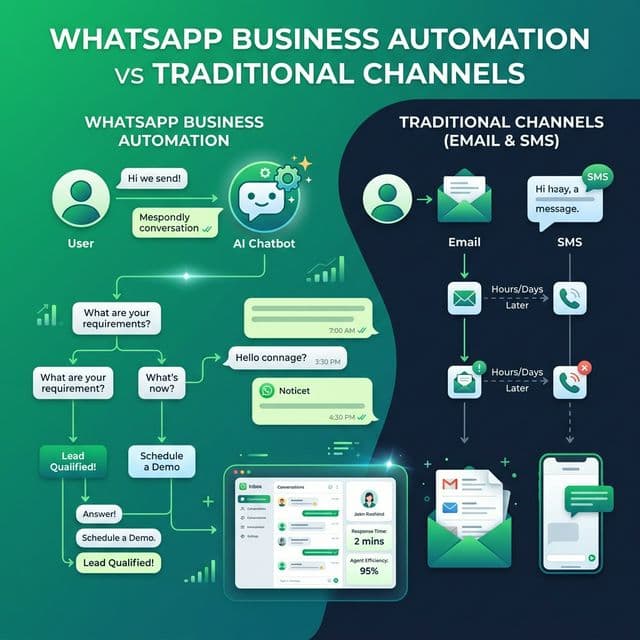
On the WhatsApp Business Platform, an AI assistant can use your price list, course brochure, menu, FAQs or policies to answer customer questions in natural language. For example, a prospective student might ask about coaching fees late at night; the assistant can share the approved fee and class schedule, then offer to arrange a demo. When a complaint, custom quote or sensitive request needs a person, the conversation can be handed to your team.
Inaiwazhi's AI chatbot supports English, Tamil and mixed Tanglish conversations. Keep its source information current and route uncertain or complex requests to a human.
20 WhatsApp auto reply messages you can copy
Replace the words in square brackets with your own details. Check every amount, schedule and promise before using a message.
Greeting messages
- General: “Hi! Thanks for messaging [Business name]. How can we help you today? Reply with 1 for prices, 2 for timings, or just type your question.”
- Shop: “Welcome to [Store name]! Send us a photo or the name of the product you’re looking for, and we’ll check stock and price for you.”
- Clinic: “Hello, thank you for contacting [Clinic name]. To request an appointment, please share the patient’s name, preferred date and doctor.”
- Tamil greeting: “வணக்கம்! [நிறுவனத்தின் பெயர்]-ஐ தொடர்புகொண்டதற்கு நன்றி. உங்களுக்கு என்ன உதவி வேண்டும்? உங்கள் கேள்வியை இங்கே அனுப்புங்கள்.”
Away messages
- After hours: “Thanks for your message! We’re closed right now. Our hours are [10 am–8 pm, Mon–Sat]. We’ll reply when we open.”
- Sunday or holiday: “We’re closed today for [Sunday / Pongal]. We’ll reply on [day]. For urgent help, call [number].”
- Busy period: “We’re receiving a lot of messages right now. Your message is in the queue, and we’ll reply within [2 hours].”
- Tamil after-hours: “உங்கள் செய்திக்கு நன்றி! தற்போது எங்கள் அலுவலகம் மூடப்பட்டுள்ளது. [நேரம்]-க்கு திறந்ததும் பதிலளிக்கிறோம்.”
FAQ answers: fees, prices and timings
- Coaching fees: “Our [course] fee is ₹[amount] for [duration], with [instalment] options. The next batch starts on [date]. Would you like to attend a free demo class?”
- Restaurant timings: “We’re open [11 am–11 pm] every day. Dine-in, takeaway and home delivery are available within [5 km]. Reply MENU for today’s menu.”
- Product price: “Thanks for asking! [Product] is ₹[price]. It’s available in [colours/sizes]. Would you like us to reserve one for you?”
- Location in Tamil: “எங்கள் கடை [முகவரி]-யில் உள்ளது. Google Maps இணைப்பு: [link]. நாங்கள் காலை 10 மணி முதல் இரவு 9 மணி வரை திறந்திருப்போம்.”
Orders and bookings
- Order received: “Got it! Your order for [items] is confirmed. Total: ₹[amount]. We’ll message you when it’s out for delivery.”
- Appointment request: “Thanks! We’ve noted your request for [date/time]. We’ll confirm your slot within [1 hour].”
- Table booking: “Your table for [number] on [date] at [time] is booked. See you soon! Reply CHANGE if you need to reschedule.”
- Demo class: “Your free demo class is booked for [day, time] at [branch]. Please bring [ID / notebook]. Reply YES to confirm.”
Human handover and follow-ups
- Handover: “Thanks for the details. I’m connecting you to [team member / our team] now. They’ll reply shortly.”
- Complaint: “We’re sorry to hear about this. Please share your order number and a photo, and our support team will look into it today.”
- Next-day follow-up: “Hi [name], you asked about [course/product] yesterday. Do you have any other questions before you decide? We’re happy to help.”
- Tamil feedback: “எங்களைத் தேர்ந்தெடுத்ததற்கு நன்றி! உங்கள் அனுபவம் எப்படி இருந்தது? 1 முதல் 5 வரை மதிப்பீட்டை அனுப்புங்கள்.”
Messaging window: Replies to a customer who has recently messaged you are generally handled within the customer service window. A business-initiated follow-up after that window may require an approved message template on the WhatsApp Business Platform. Check the current WhatsApp rules before sending campaigns or follow-ups.
Best practices for WhatsApp auto replies
- Keep the reply short and specific. Two or three lines are usually enough.
- Give the customer a next step, such as asking a question, offering a demo or setting a clear response time.
- Match the language your customers use, including Tamil or Tanglish when appropriate.
- Set honest expectations. Promise a reply within two hours only if your team can meet it.
- Hand complaints, negotiations and custom requests to a person promptly.
- Review answers regularly so prices, timings and offers stay accurate.
Frequently asked questions
Can WhatsApp reply automatically 24/7?
The WhatsApp Business app can send greeting and away messages at any time. An AI auto reply on the WhatsApp Business Platform can answer customer questions around the clock when it is configured with your business information.
Is WhatsApp auto reply free?
Greeting and away messages in the WhatsApp Business app are free. WhatsApp Business Platform and third-party platform costs depend on the current Meta pricing rules and your provider. Check the latest pricing before choosing a setup.
Can an auto reply work in Tamil?
Yes. Use a Tamil message for greetings and away replies, or choose an AI assistant that can understand and respond in Tamil and mixed Tanglish.
Can I set an auto reply on my personal WhatsApp number?
The regular WhatsApp app does not include the same business auto reply tools. Use WhatsApp Business or the WhatsApp Business Platform, and avoid unofficial automation tools that may put your account at risk.
Let Inaiwazhi answer customers 24/7
Reduce the wait for enquiries that arrive after closing time. Inaiwazhi can give customers an instant answer based on your business information and pass complex conversations to your team.
Conversation
0 Comments
Leave a reply
No comments yet
Be the first to share your thoughts!