Tutorials

How to Set Up WhatsApp Automation for Small Business Customer Support (Step-by-Step Guide)

I
Inaiwazhi Team
2026-06-19
7 min read
How to Set Up WhatsApp Automation for Small Business Customer Support (Step-by-Step Guide)
Share this article

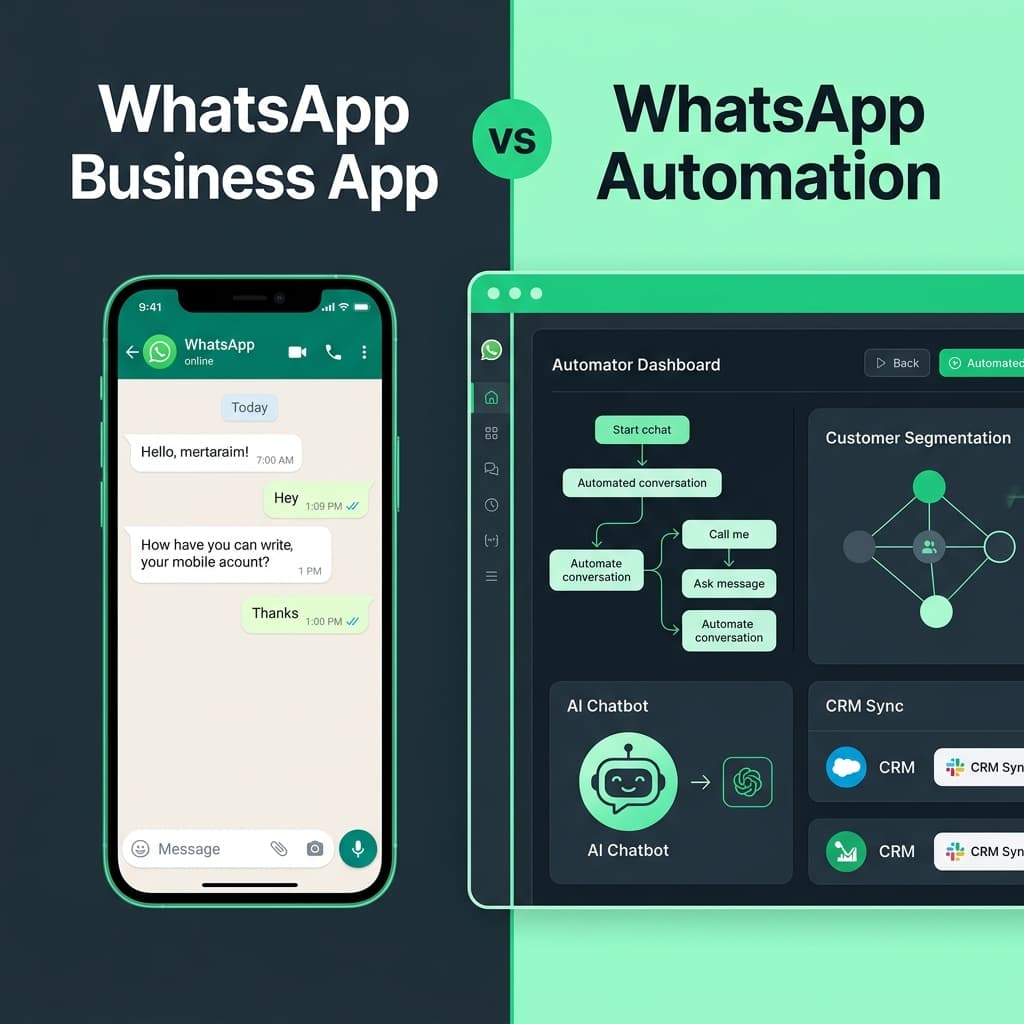
Learn how to set up WhatsApp automation for small business customer support using InaiWAZHI. Automate replies, manage conversations, improve response time, and deliver better customer experiences.

Key Takeaways from this Article:

  • Explore in-depth strategies for tutorials automation
  • Learn how to implement scalable workflows for your business
  • Understand the best practices for customer communication and engagement
  • Actionable insights to boost your ROI and productivity

Customer support has become one of the biggest growth drivers for small businesses. Customers expect quick replies, instant updates, and seamless communication across channels. WhatsApp has emerged as one of the most effective customer communication platforms because customers already use it every day. However, manually managing customer inquiries becomes difficult as businesses grow. This is where WhatsApp Automation helps. With inaiwazhi, businesses can automate conversations, organize customer communication, reduce response time, and improve support operations without increasing team size.

Key Takeaways from this Article

  • Understand how WhatsApp automation works for customer support
  • Learn the tools required for setup
  • Explore a step-by-step implementation process
  • Discover customer support workflows
  • Learn best practices to improve customer satisfaction

What Is WhatsApp Automation for Customer Support?

WhatsApp Automation allows businesses to automatically respond to customer messages and manage communication using predefined workflows. Instead of manually handling every conversation, businesses create automated journeys that guide customers and support teams.

Businesses commonly automate:

  • Welcome messages
  • Customer inquiries
  • Frequently asked questions
  • Support routing
  • Order updates
  • Appointment reminders
  • Lead qualification
  • Customer follow-ups

The goal is simple: deliver faster support while reducing manual work.

Why Small Businesses Are Adopting WhatsApp Customer Support Automation

Customer expectations continue to increase. Businesses that respond quickly create stronger engagement and improve customer retention. Key benefits include:

  • Faster Response Times: Customers receive immediate responses without waiting for manual support.
  • Reduced Manual Work: Support teams spend less time on repetitive communication.
  • Better Customer Experience: Structured conversations create smoother customer journeys.
  • Improved Team Productivity: Teams can manage more customer conversations efficiently.
  • Higher Customer Retention: Faster communication leads to stronger customer relationships.

Step 1: Connect Your WhatsApp Business Account

Start by integrating your business number into inaiwazhi. Follow this setup process:

  1. Login to inaiwazhi Dashboard
  2. Open WhatsApp Integration
  3. Connect Business Number
  4. Complete Verification
  5. Activate Customer Support Inbox

Once connected, all incoming customer messages become centralized.

Step 2: Configure Automated Welcome Messages

Customers expect immediate communication. Here's an example welcome message:

Hi πŸ‘‹ Welcome to our support team.

Please choose an option:
1. Product Support
2. Order Status
3. Billing Questions
4. Talk to Support Team

Best practices: keep messages short, offer clear actions, avoid long menus, and include access to human support.

Step 3: Build Customer Support Workflows

Create automated workflows based on customer intent:

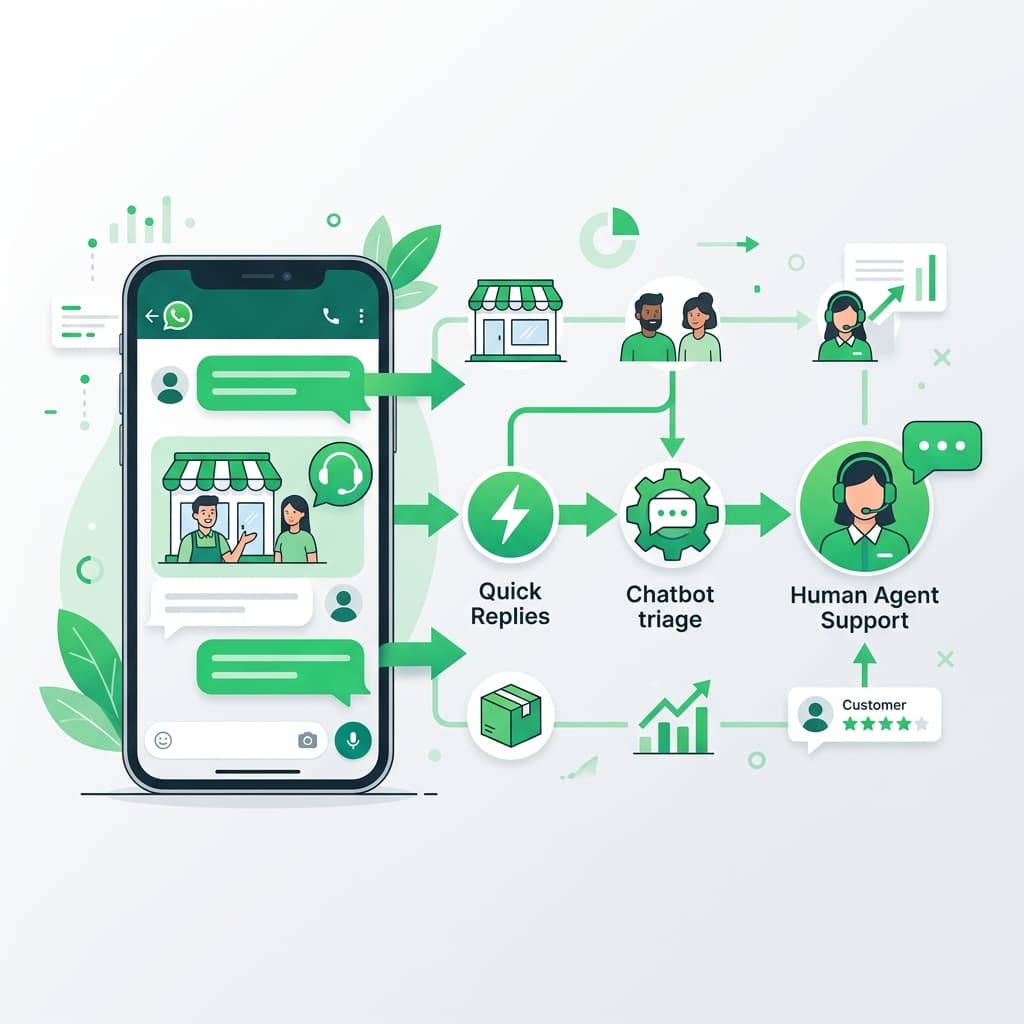
Customer Message β†’ Greeting Message β†’ Select Support Category β†’ Collect Customer Details β†’ Assign Team Member β†’ Resolve Request β†’ Send Follow-Up Message

This structure improves speed and consistency across all customer interactions.

Step 4: Organize Customer Conversations Using Shared Inbox

Managing customer communication becomes easier with a centralized inbox. Recommended categories:

Status Purpose
New Incoming requests
Assigned Agent handling
Pending Waiting for customer
Resolved Completed support

Step 5: Enable Customer Support Automation Rules

Set automation rules to reduce repetitive work:

  • If customer asks pricing β†’ Send pricing information
  • If customer requests support β†’ Assign support team
  • If customer becomes inactive β†’ Trigger follow-up message

Automation ensures every customer receives consistent communication.

Step 6: Track Customer Support Analytics

Measure support performance continuously. Track:

  • First response time
  • Resolution time
  • Customer engagement
  • Message volume
  • Customer satisfaction

Use analytics to improve workflows over time.

Step 7: Add Human Handoff

Automation should assistβ€”not replaceβ€”your support team. Set up triggers so that when a customer types keywords like "Talk to agent", "Need help", or "Customer support", the conversation is automatically routed to a live support representative.

How inaiwazhi Helps Businesses Automate Customer Support

inaiwazhi helps businesses move from manual support operations to scalable customer communication. With inaiwazhi, businesses can:

Create WhatsApp Automation Workflows

Build powerful automated customer journeys without any coding.

Manage Conversations in One Inbox

Centralize all customer support in a shared team inbox.

Send Broadcasts and Notifications

Keep customers informed with targeted WhatsApp campaigns.

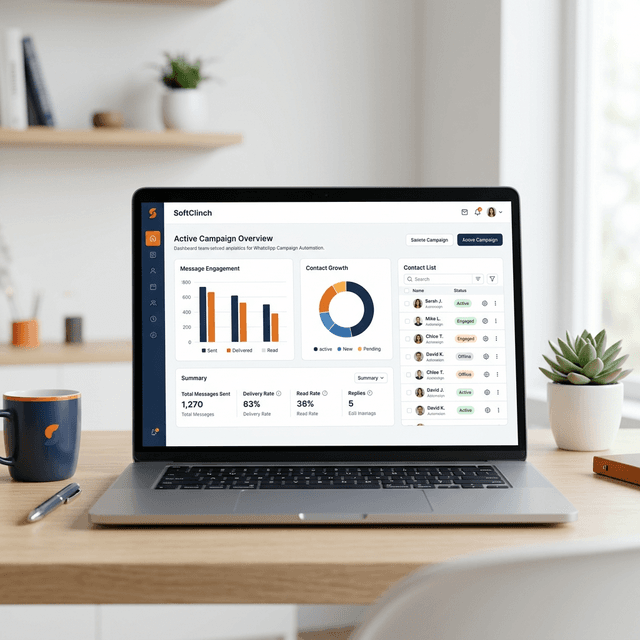
Track Support Analytics

Monitor performance metrics and continuously improve customer experience.

From education institutions and healthcare providers to retail and service businesses, InaiWAZHI simplifies customer communication.

Frequently Asked Questions

Is WhatsApp automation suitable for small businesses?

Yes. It helps businesses manage support efficiently without increasing support costs.

Can WhatsApp automation replace customer support teams?

No. Automation supports teams and handles repetitive interactions. Human agents are always essential for complex issues.

Do I need technical knowledge?

No. inaiwazhi provides visual workflows and easy setup tools that require zero coding experience.

Conclusion

WhatsApp automation has become an essential solution for businesses that want faster customer communication and better support experiences. By using inaiwazhi, businesses can automate customer conversations, improve response time, and scale customer support efficiently. Start with simple workflows, track performance, and expand automation as your business grows.

Ready to Transform Your Customer Support?

Start automating customer conversations with inaiwazhi today and deliver faster, smarter customer support.

Why Small Businesses Are Adopting WhatsApp Customer Support Automation

Faster Response Times

Customers receive immediate responses without waiting for manual support.

Reduced Manual Work

Support teams spend less time on repetitive communication.

Better Customer Experience

Structured conversations create smoother customer journeys.

Higher Customer Retention

Faster communication leads to stronger customer relationships.

Step-by-Step Setup: WhatsApp Automation for Customer Support

Follow these steps to automate your customer support on WhatsApp using inaiwazhi:

1

Step 1: Connect Your WhatsApp Business Account

Login to inaiwazhi Dashboard, open WhatsApp Integration, connect your business number, complete verification, and activate the Customer Support Inbox. Once connected, all incoming customer messages become centralized.

2

Step 2: Configure Automated Welcome Messages

Set up an instant greeting such as: 'Hi πŸ‘‹ Welcome to our support team. Please choose an option: 1. Product Support, 2. Order Status, 3. Billing Questions, 4. Talk to Support Team.' Keep messages short, offer clear actions, and always include access to human support.

3

Step 3: Build Customer Support Workflows

Create automated workflows: Customer Message β†’ Greeting β†’ Select Support Category β†’ Collect Customer Details β†’ Assign Team Member β†’ Resolve Request β†’ Send Follow-Up Message.

4

Step 4: Organize Conversations Using Shared Inbox

Centralize all customer communication with status categories: New (incoming requests), Assigned (agent handling), Pending (waiting for customer), Resolved (completed support). This enables faster assignment and better team collaboration.

5

Step 5: Enable Automation Rules

Set rules to reduce repetitive work: if customer asks pricing β†’ send pricing info; if customer requests support β†’ assign support team; if customer is inactive β†’ trigger follow-up message.

6

Step 6: Track Analytics & Add Human Handoff

Monitor first response time, resolution time, customer engagement, and message volume. Add human handoff triggers for keywords like 'Talk to agent', 'Need help', or 'Customer support' to route conversations to live representatives.

What Is WhatsApp Automation for Customer Support?

WhatsApp Automation allows businesses to automatically respond to customer messages and manage communication using predefined workflows. Businesses commonly automate:

Welcome messages for new customers
Customer inquiry responses and FAQs
Support ticket routing to the right team
Order status updates and notifications
Appointment reminders and confirmations
Lead qualification conversations
Customer follow-ups after resolution

Best Practices for WhatsApp Customer Support Automation

Follow these guidelines to maximize the effectiveness of your WhatsApp customer support automation:

Use Clear Support Flows

Design structured conversation paths so customers always know what to do next.

Keep Replies Simple and Useful

Avoid long menus and complicated messages. Short, action-oriented replies perform best.

Always Provide Human Support Options

Automation should assist β€” not replace β€” your support team. Include an easy handoff option.

Monitor Customer Analytics Regularly

Track response time, resolution rates, and engagement to continuously improve your workflows.

Common Mistakes to Avoid

Excessive Automation

Over-automating conversations frustrates customers who need personalized human help.

Ignoring Analytics

Not tracking performance metrics means missed opportunities to improve support quality.

No Human Handoff Option

Every automated flow must include a clear path to connect with a live support representative.

Inaiwazhi Insider Tip

Start with simple automation workflows like welcome messages and FAQs before implementing complex chatbot scenarios. This helps you understand customer needs and refine your approach.

Scale Your Business with inaiWAzhi

Ready to Transform Your Customer Communication?

Join thousands of businesses using inaiWAzhi to automate WhatsApp conversations, increase sales, and deliver exceptional customer experiences at scale.

No credit card required β€’ 7-day free trial β€’ Cancel anytime

Support

Frequently Asked Questions

Find quick answers to common questions about WhatsApp Automation

Conversation

0 Comments

Leave a reply

* Use the same email to edit or delete your comments.

No comments yet

Be the first to share your thoughts!

Get Exclusive Marketing Tips

Join 10,000+ marketers receiving expert insights and automation strategies for WhatsApp.

Privacy first. No spam, unsubscribe anytime.