Key Takeaways from this Guide:
- Understand what WhatsApp automation is and how it helps small businesses in India.
- Learn the 5 key steps of a typical WhatsApp automation workflow.
- Discover the difference between WhatsApp Business App and WhatsApp Business API.
- Explore high-converting use cases like lead capture, appointment booking, and support.
- Stay compliant with Meta guidelines to protect your business account.
What is WhatsApp Automation?
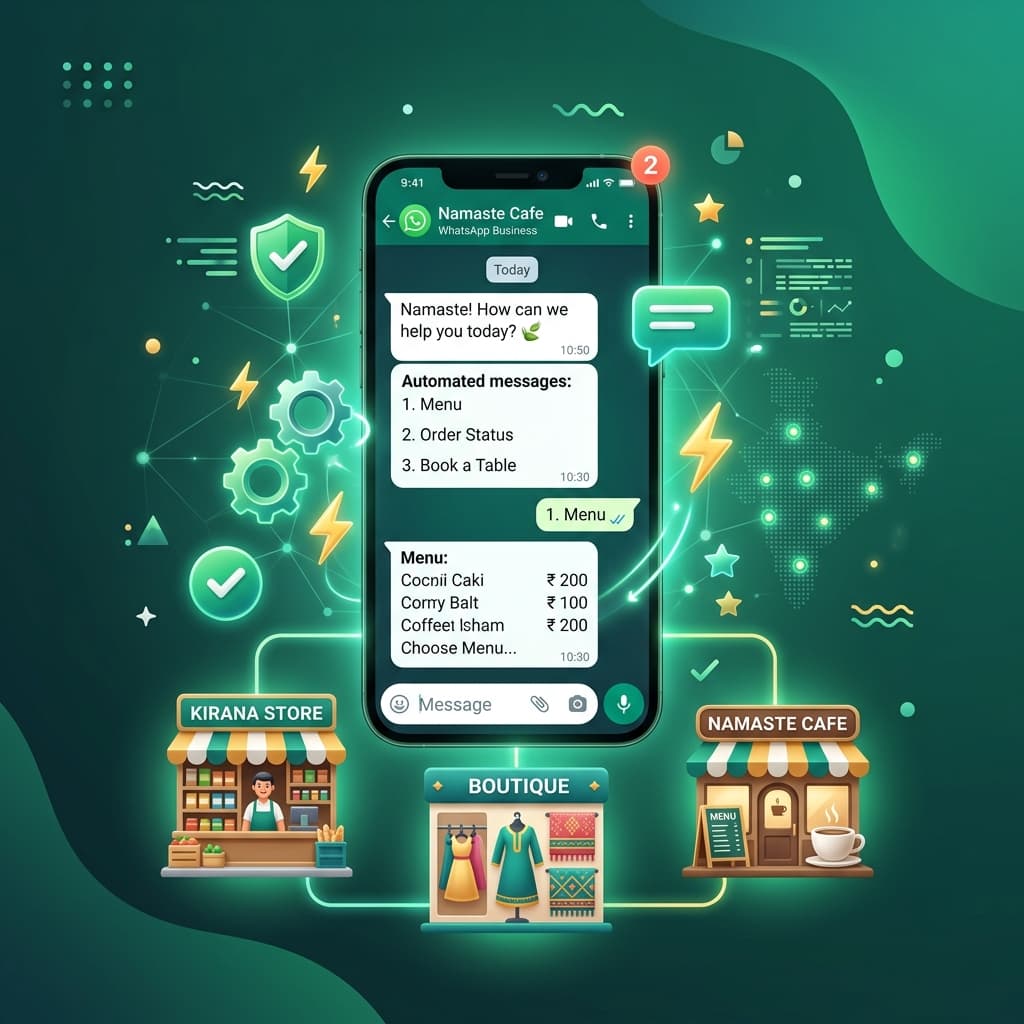
WhatsApp automation allows businesses to automatically send and receive messages based on predefined triggers, customer actions, or AI-powered workflows. Instead of manually responding to every inquiry, businesses can automate greeting messages, answers to FAQs, lead qualification, appointment reminders, order updates, and customer support responses. The goal is to provide faster service while allowing your team to focus on more complex customer interactions.
Why Small Businesses in India Are Adopting WhatsApp Automation
India is one of the largest markets for WhatsApp, making it an ideal communication channel for businesses. Key benefits include:
- Faster Customer Responses: Customers receive immediate answers to common questions, improving satisfaction and reducing wait times.
- Better Lead Management: Automation ensures every inquiry is acknowledged and followed up, reducing the chances of losing potential customers.
- Reduced Manual Work: Your team spends less time answering repetitive questions and more time closing sales or providing personalized support.
- Increased Customer Engagement: Automated campaigns, reminders, and updates help keep customers informed and engaged.
How WhatsApp Automation Works
A typical WhatsApp automation workflow follows a seamless 5-step process:
- Step 1: Customer Sends a Message: A customer initiates a conversation by sending a message such as "Pricing details", "Book a demo", or "Product catalog".
- Step 2: The System Identifies Keywords or Intent: The automation platform analyzes the incoming message and matches it with predefined keywords or conversation flows.
Customer Message Automated Action "Pricing" Send pricing details "Demo" Share booking link "Catalog" Send product catalog "Support" Connect to support team - Step 3: Automated Response is Sent: The customer instantly receives relevant information (product details, PDFs, brochures, website links, or booking forms) without waiting for a human agent.
- Step 4: AI or Workflow-Based Conversations: Modern platforms can create multi-step conversations. For example, when a customer asks for "digital marketing services", the system can follow up: "Are you looking for SEO, Google Ads, or Social Media Marketing?". This creates a personalized experience.
- Step 5: Human Agent Handoff: Automation should never completely replace human support. If a customer requests assistance or has complex question, the conversation is smoothly transferred to a team member.
What Do You Need to Automate WhatsApp Messages?
1. WhatsApp Business Account (App)
Perfect for micro-businesses with low volume. It provides simple automation tools such as greetings, away messages, and quick replies directly from the app.
2. WhatsApp Business API
Required for businesses handling larger volumes. It supports multi-agent access, advanced workflows, CRM integrations, broadcast campaigns, and complete automation.
3. Automation Platform
An official solution provider like Inaiwazhi connects the WhatsApp API to your CRM, lead management tools, AI chatbots, and marketing campaign managers through a centralized dashboard.
Compliance and Best Practices in 2026
To prevent account restrictions, always follow official platform guidelines:
- Use Official API Solutions: Avoid tools that rely on unofficial WhatsApp Web automation. These violate Meta's policies and will get your number blocked.
- Provide Human Support Options: Customers should always be able to easily exit the automation and chat with a real person.
- Use Approved Message Templates: Outbound campaigns and notifications must use approved templates registered through the official WhatsApp Business Manager.
- Respect Customer Consent: Always obtain clear opt-in consent before sending marketing broadcasts.
Avoid These Common Mistakes:
Don't over-automate conversations. Customers hate talking to dead-end bots when they have unique queries. Keep promotional broadcasts limited to prevent spam reports, and never use unofficial software that places your business number at risk.
How Inaiwazhi Helps Small Businesses Automate WhatsApp
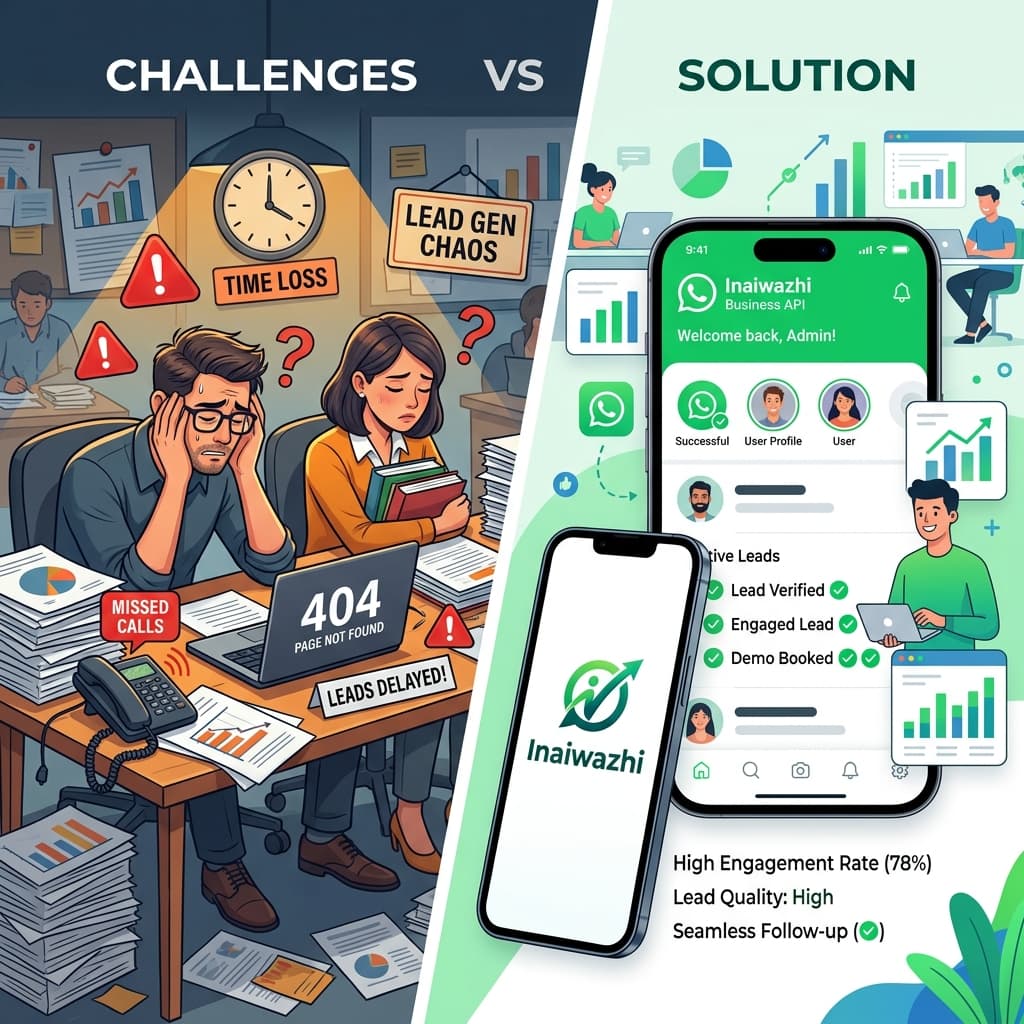
Inaiwazhi provides small businesses in India with the tools needed to scale communication while maintaining a professional customer experience. With Inaiwazhi, you can easily set up automated replies, design lead management workflows, run broadcast marketing campaigns, integrate with your CRM, support multiple agents on a single number, and deploy AI-powered assistants with seamless human escalation.
Frequently Asked Questions
Yes. Small businesses can automate greetings, FAQs, lead capture, reminders, and customer support to improve efficiency and response speed.
Q: Do I need technical knowledge to set up WhatsApp automation?No. Modern platforms like Inaiwazhi provide user-friendly interfaces, visual flow builders, and pre-built templates that require zero coding experience.
Q: Is WhatsApp automation legal in India?Yes, WhatsApp automation is completely legal and officially supported when implemented using official Meta Business solutions and APIs.
Q: Can customers still talk to a real person?Absolutely. A well-designed automation system should always provide a clear option to transfer to a human agent whenever requested.
Conclusion
WhatsApp automation is no longer limited to large enterprises. Small businesses in India can use automation to improve customer service, capture more leads, and scale communication without increasing manual workload. By combining speed with a human touch, you can turn WhatsApp into your business's most powerful channel for growth and customer satisfaction.


Conversation
0 Comments
Leave a reply
No comments yet
Be the first to share your thoughts!