
Key Takeaways from this Comparison Guide
- Understand what the WhatsApp Business API is and how it helps scale business messaging.
- Learn the differences between the free WhatsApp Business App and the Official WhatsApp Business API.
- Discover how to choose the right WhatsApp API provider based on features, pricing, and automation.
- Compare the top 7 WhatsApp API providers in India including Inaiwazhi, WATI, Interakt, and others.
- Explore WhatsApp Business API pricing, setup, and key integration requirements.
What is WhatsApp Business API?
The WhatsApp Business API is an official enterprise solution from Meta designed to enable medium and large businesses to communicate with customers at scale. Unlike the free application, the API doesn't have a simple mobile app interface; instead, it connects to professional communication platforms, CRM systems, and customer support software to manage high-volume messaging, automated conversations, and broadcasts.
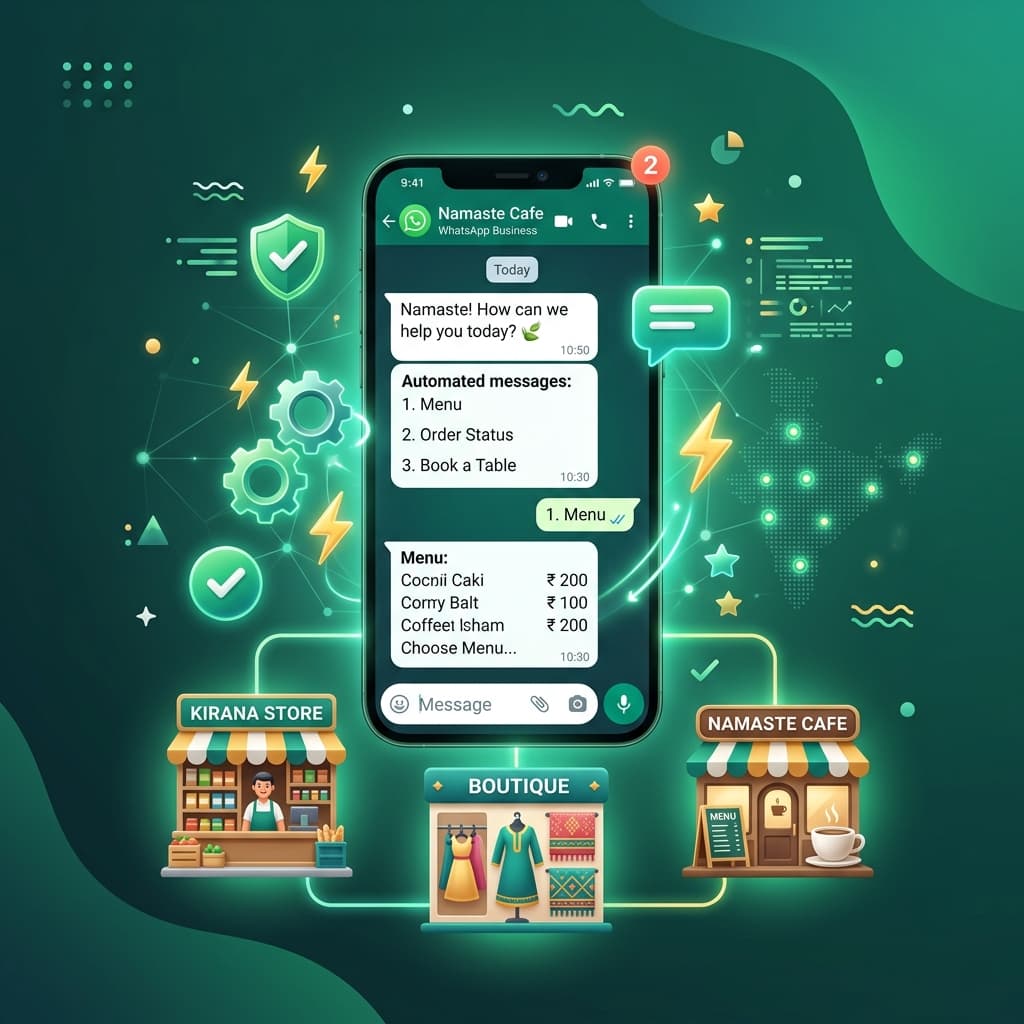
Whether you deploy it via Meta's self-hosted WhatsApp Cloud API or a Business Solution Provider (BSP), the API serves as the backbone for custom communication systems. It is the perfect choice for companies that need a professional whatsapp automation system or whatsapp marketing system to manage thousands of customer interactions daily.
WhatsApp Business API vs WhatsApp Business App
Many small businesses start with the free WhatsApp Business App available in the app store. However, as the organization grows, the app's limitations quickly become clear. Here is a comparison to help you understand the difference:
| Feature | WhatsApp Business App | WhatsApp Business API |
|---|---|---|
| Cost | Free to use | Subscription & conversation-based pricing |
| Multi-agent Login | Max 4 link devices (1 phone) | Unlimited agent logins via Shared Inbox |
| Broadcast Limits | Max 256 contacts (must save number) | Unlimited contacts (number save not required) |
| Chatbots & Automation | Basic away messages & quick replies | Advanced AI chatbots & custom integrations |
| CRM Integrations | No official integration options | Integrates with HubSpot, Zoho, SAP, and custom systems |
| Green Verification Tick | Not available | Available (official verified green tick badge) |
Understanding WhatsApp Business API Pricing
Before launching your campaigns, you must understand how whatsapp business api pricing works. The billing consists of two main parts:
- Meta's Conversation Charges: Meta charges based on 24-hour conversation sessions. Conversations are split into Marketing (promotional offers), Utility (transactions/order updates), Authentication (OTPs), and Service (user-initiated customer support). Prices vary by destination country. In India, Service conversations are the cheapest, while Marketing broadcasts carry a premium.
- Platform Subscription Fee: This is charged by your chosen whatsapp api provider for dashboard access, shared team inbox, chatbot builder, contact segment manager, and analytics dashboards.
How to Get WhatsApp Business API & Setup
Getting your API access is straightforward when working with a certified provider. The whatsapp business api setup involves:
- Signing up on a platform like Inaiwazhi.
- Verifying your business credentials through Meta Business Manager.
- Linking a fresh or existing phone number (note: this will disconnect the number from standard consumer/business apps).
- Setting up your display name and creating message templates for marketing broadcasts.
Best WhatsApp Business API Providers in India (2026)
Here is an in-depth review of the leading platforms offering official API access and customer engagement solutions in the Indian market:
1. Inaiwazhi
Best For: Small & medium businesses, retail brands, service firms, educational institutions, real estate, healthcare clinics, and scaling enterprises looking for an all-in-one engagement engine.
Inaiwazhi is a premium, user-friendly whatsapp automation system and customer support dashboard built specifically with Indian businesses in mind. It balances robust engineering with interface simplicity, enabling business owners and managers to automate communication without writing code.
Key highlights of the Inaiwazhi platform include:
- Official whatsapp api integration and fast, assisted onboarding.
- Collaborative shared team inbox for multiple agents.
- No-code automation workflow builder and interactive chatbot triggers.
- High-volume broadcast campaign manager with detailed analytics.
- Unified contact segment manager and template creation.
- Deep CRM integrations with databases, websites, and lead sources.
If you need a complete whatsapp crm system that handles customer support, sales qualification, and automated broadcasts, Inaiwazhi is the top recommendation for businesses in India.
2. WATI
WATI is a popular customer service-oriented tool that provides simple shared inbox tools and basic workflow automations. It is popular among small support teams but can get expensive as you add more agents.
3. Interakt
Interakt is built primarily for e-commerce companies. It connects directly with Shopify and WooCommerce to send automated order notifications and checkout alerts. It lacks some of the custom workflow flexibility needed by service industries like real estate and education.
4. AiSensy
AiSensy is a marketing-focused platform popular for bulk broadcasts, newsletters, and quick automation flows. It is widely used by SMBs, though its shared inbox is relatively basic compared to enterprise solutions.
5. Gallabox
Gallabox offers clean conversational layouts and CRM-like workflows. It focuses on sales teams, helping convert leads into customers through collaborative WhatsApp chats.
6. Gupshup
Gupshup is a large, enterprise-focused platform that offers global messaging APIs. While highly scalable, it is developer-focused and typically requires coding and dedicated tech teams to build out custom dashboards and flows.
7. Twilio
Twilio is a global cloud communications giant. It offers bare APIs for WhatsApp, SMS, and email. While offering great flexibility, it does not provide a ready-made user dashboard or shared inbox out of the box, meaning you must build your own front-end interface or integrate it with complex third-party system.
Feature Comparison Matrix
| Provider | Official API | Shared Inbox | Workflow Builder | CRM Sync | Ideal For |
|---|---|---|---|---|---|
| Inaiwazhi | Yes | Yes (Unlimited Users) | Yes (No-Code Builder) | Full Integration | Growing SMBs, Services, Real Estate, Clinics |
| WATI | Yes | Yes | Yes | Standard Sync | Customer Support Teams |
| Interakt | Yes | Yes | Limited | E-commerce Only | E-commerce Brands |
| AiSensy | Yes | Basic | Yes | Standard Sync | Broadcast Marketing |
| Gupshup | Yes | Requires Custom UI | Developer APIs | Custom Dev | Large Enterprises |
| Twilio | Yes | No (API only) | No (API only) | API Based | Companies with Dev Teams |
How to Choose the Best WhatsApp API Provider for Your Needs
Selecting the right platform is critical for long-term marketing and support success. Consider these parameters:
- Onboarding & Support: The setup requires business verification and routing. Ensure your provider offers direct chat/phone support during deployment.
- User Interface (UI): If your agents, sales teams, or receptionists will use the inbox daily, the dashboard must be intuitive and fast.
- Chatbot & Automation Quality: A rigid chatbot builder frustrates users. Look for flexible, interactive workflow builders.
- CRM Integration Compatibility: The system should connect with your website lead forms, HubSpot, Zoho, or local databases seamlessly.
Frequently Asked Questions
Is WhatsApp Business API free?
No, the official API is a paid service. While Meta offers a free tier of 1,000 monthly service conversations, all business-initiated templates and platform access require subscriptions and conversation payments.
Can multiple employees use the same WhatsApp number?
Yes, this is one of the biggest benefits of the API. With a shared inbox dashboard, dozens of customer support and sales agents can collaborate on the same official phone number at the same time.
Can I keep using my normal WhatsApp app with the same number?
No. When a phone number is registered with the Meta WhatsApp Business API, it is removed from the consumer and standard business applications. You manage it through a BSP dashboard like Inaiwazhi.
Final Thoughts
Choosing the right partner depends on your specific needs, team technical expertise, and support requirements. If you are looking for an all-in-one engagement suite that offers official API access, advanced chatbots, bulk broadcasts, and a shared team inbox without enterprise complexity, Inaiwazhi is the ideal choice to scale your communication in 2026.
Ready to Scale Your Customer Communication?
Book a demo with Inaiwazhi today and discover how WhatsApp Business API automation can help you capture more leads and deliver stellar support.
Schedule a Free Demo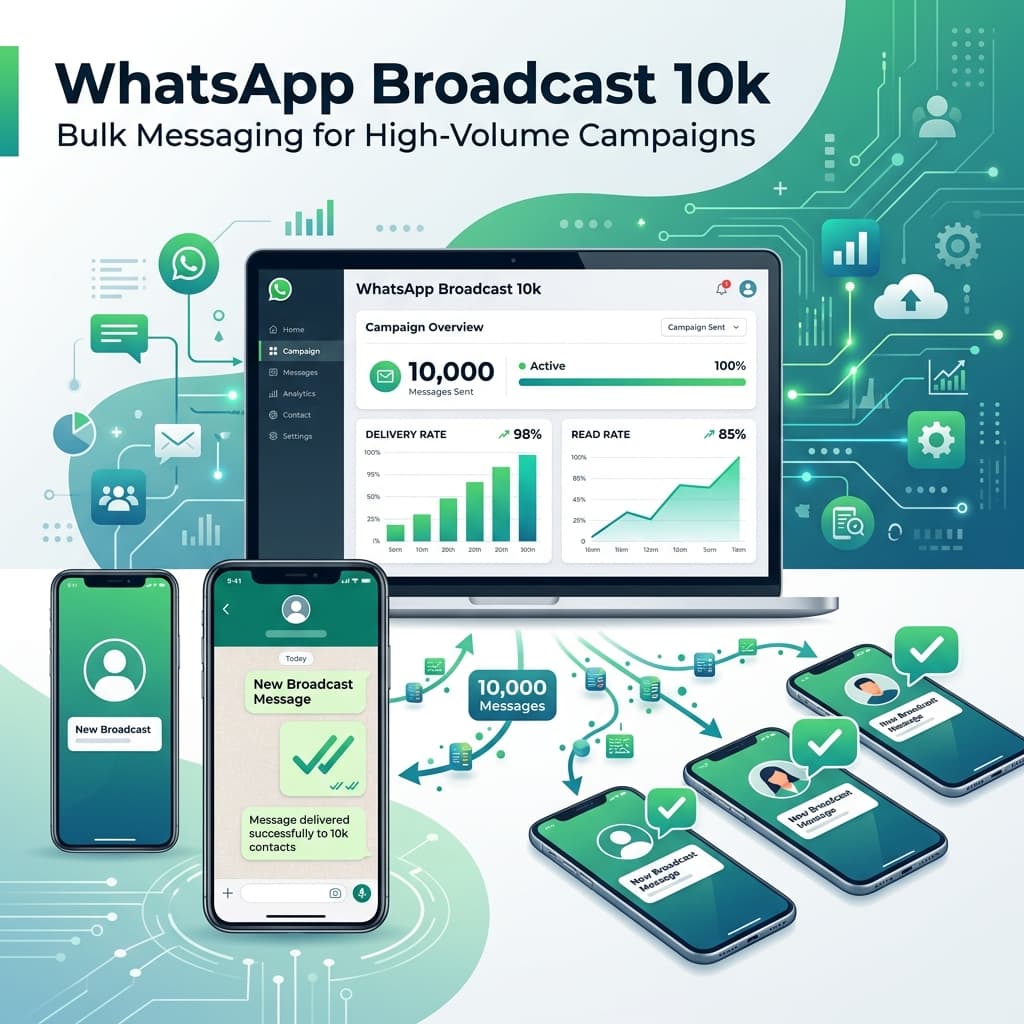

Conversation
0 Comments
Leave a reply
No comments yet
Be the first to share your thoughts!