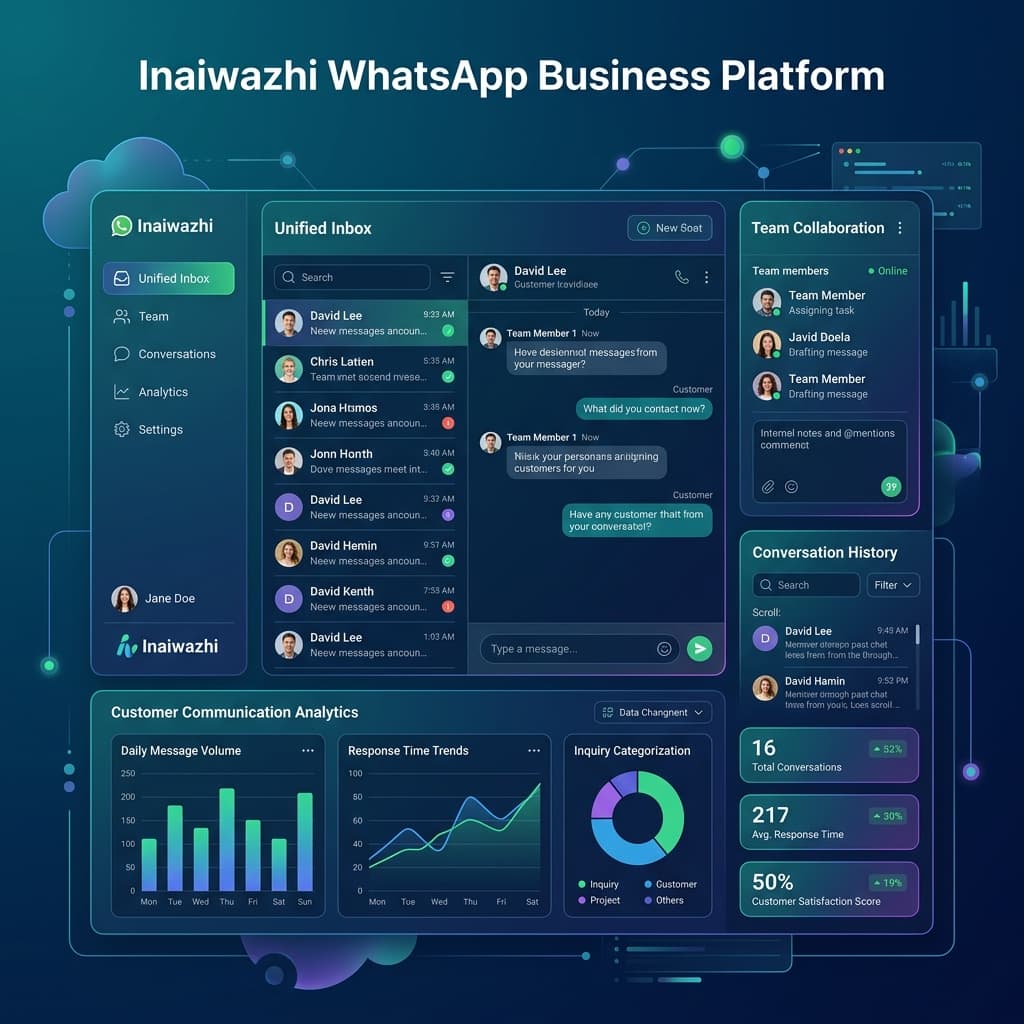
Businesses are already talking to customers on WhatsApp. A few conversations are easy to handle manually; hundreds or thousands need a better system.
WhatsApp marketing software helps businesses manage customer conversations, business messages, repetitive tasks and team handoffs in one place. Inaiwazhi brings messaging, AI, a shared inbox, bulk messaging and automation together in one WhatsApp business platform.
What is WhatsApp marketing software?
It is software that helps a business use WhatsApp as a structured communication channel. Teams can organize conversations and contacts, prepare message templates, run relevant campaigns, automate workflows and keep a shared history of customer interactions.
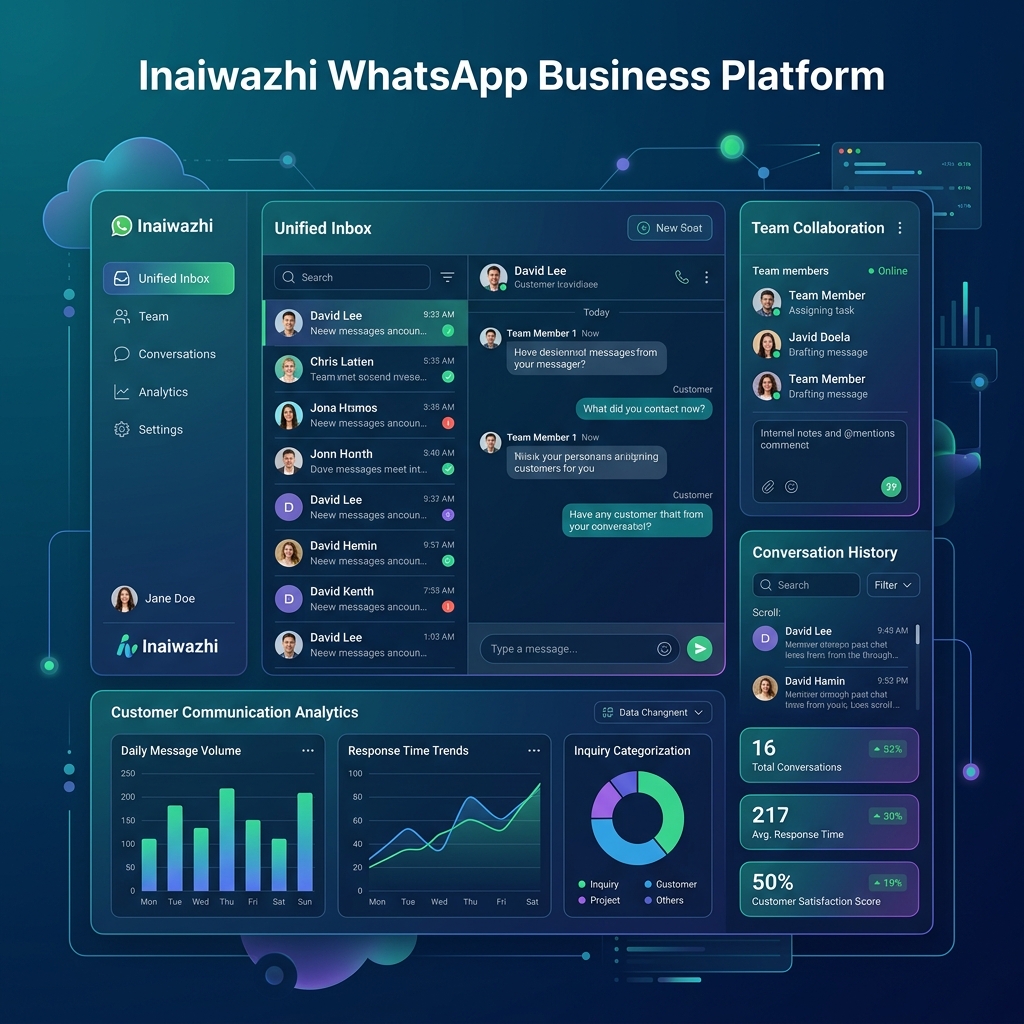
Why businesses move beyond manual messaging
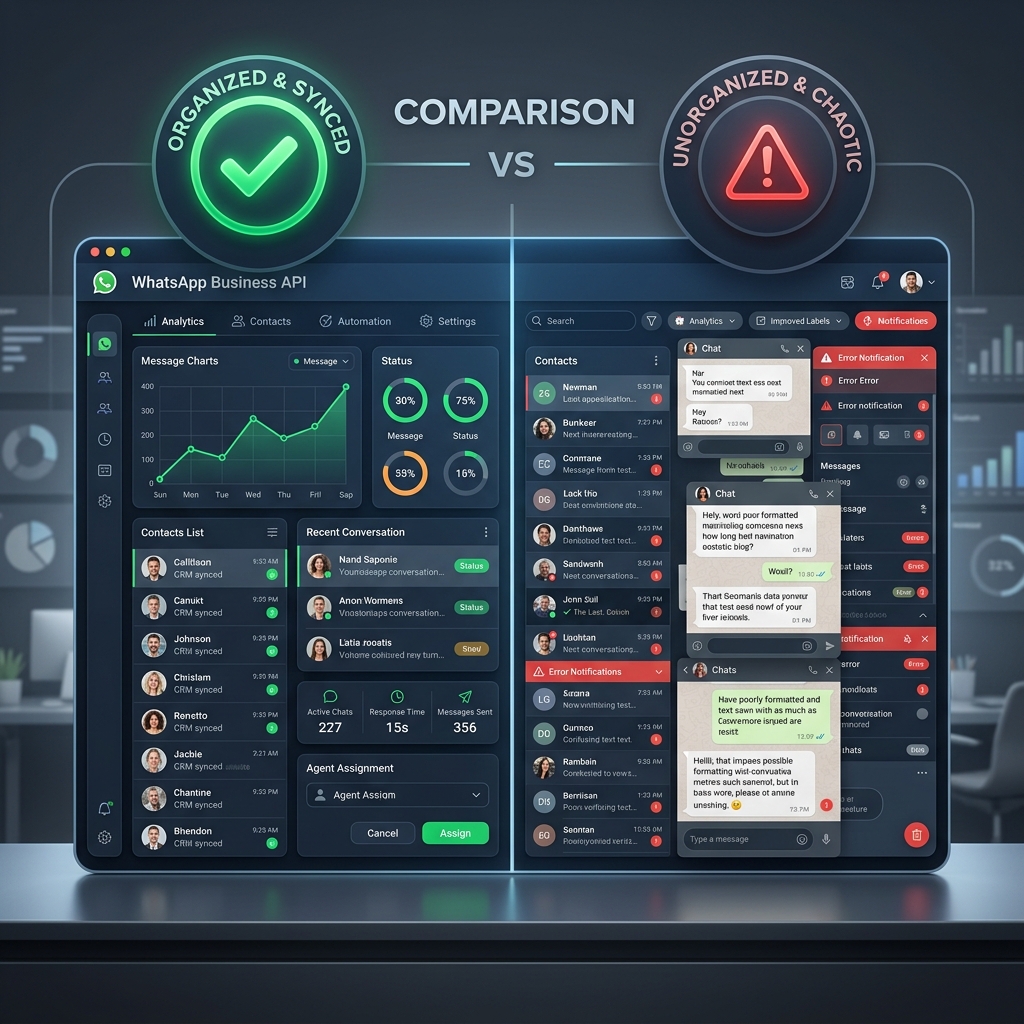
A customer asks a question while another wants a quotation, an existing customer needs an order update, and a new lead is waiting for a follow-up. When these conversations sit on individual devices, messages can be missed and teams have little visibility.
A shared business inbox makes conversations easier to track and hand over. Contact organization keeps customer information accessible, while templates help teams respond consistently to recurring enquiries.
What can you do with WhatsApp marketing software?
Manage conversations with a shared inbox
Give team members a business-focused place to view and respond to customer conversations instead of relying on personal phones. A shared history helps colleagues understand what has already been discussed.
Send relevant business messages
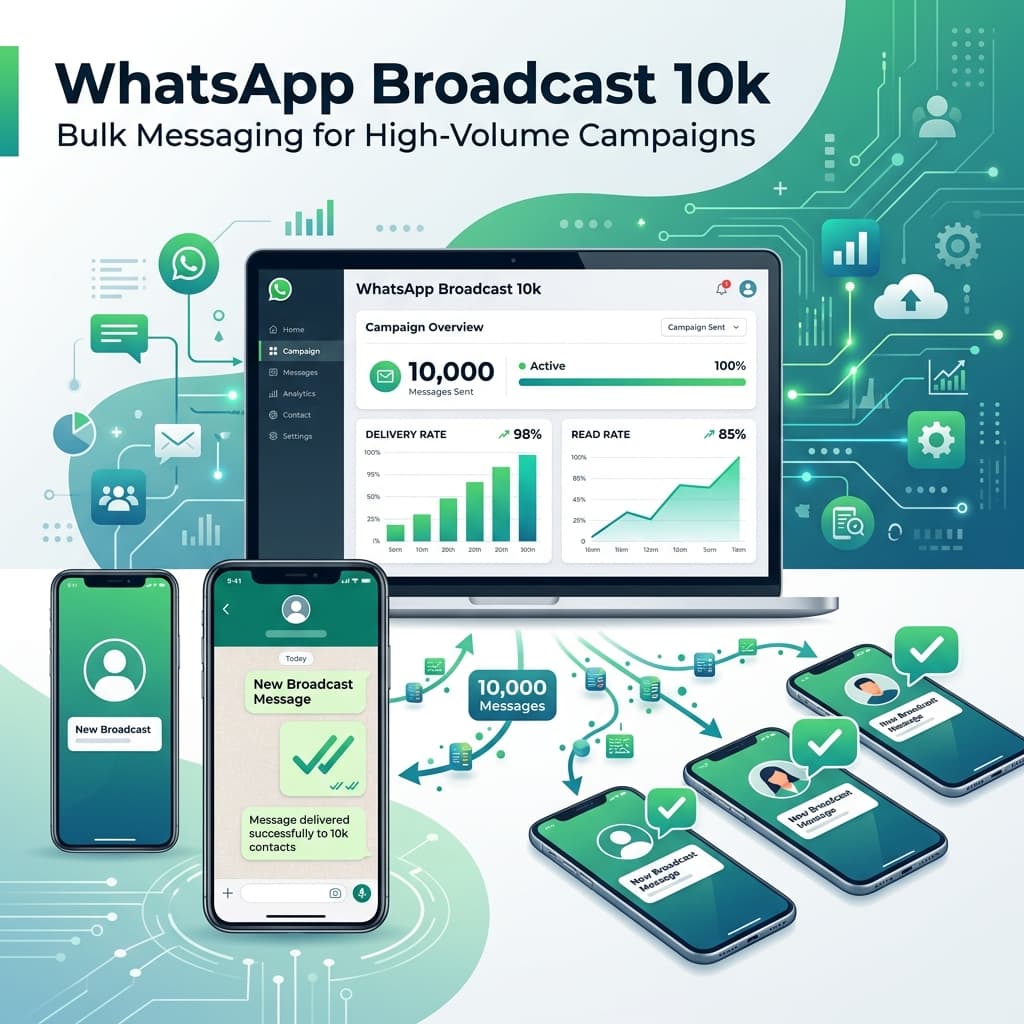
Use campaigns for product announcements, offers, events, service updates and customer notifications. Send messages to appropriate audiences, use approved templates where required, and follow customer consent and WhatsApp messaging policies.
Automate repetitive conversations
Common questions do not always need a manual reply. For example, an automated response can explain delivery coverage and offer a next step. This gives the team more time for conversations that need human attention.
Use AI with a human handoff
Customers phrase questions in different ways. An AI assistant can understand routine requests and provide relevant configured information. When a conversation needs human help, the team can take over.
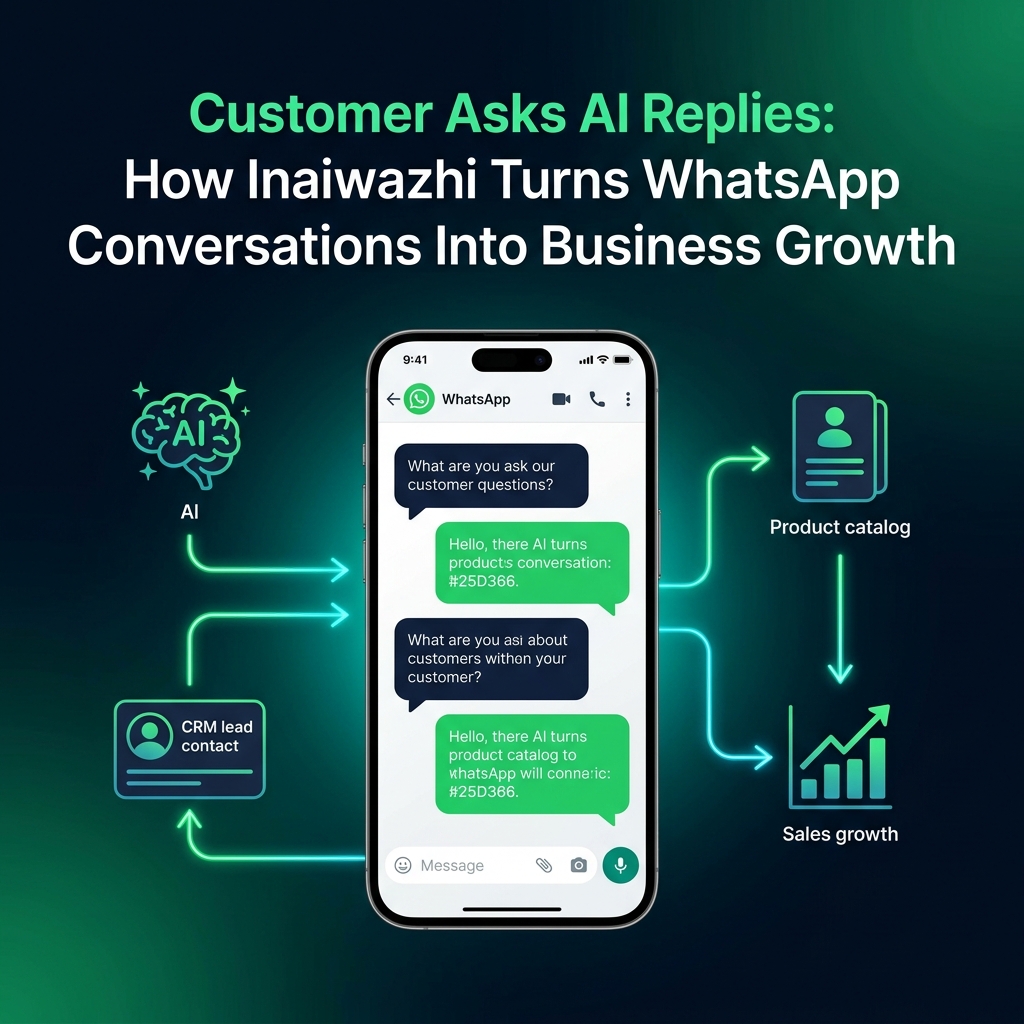
Build workflows around customer journeys
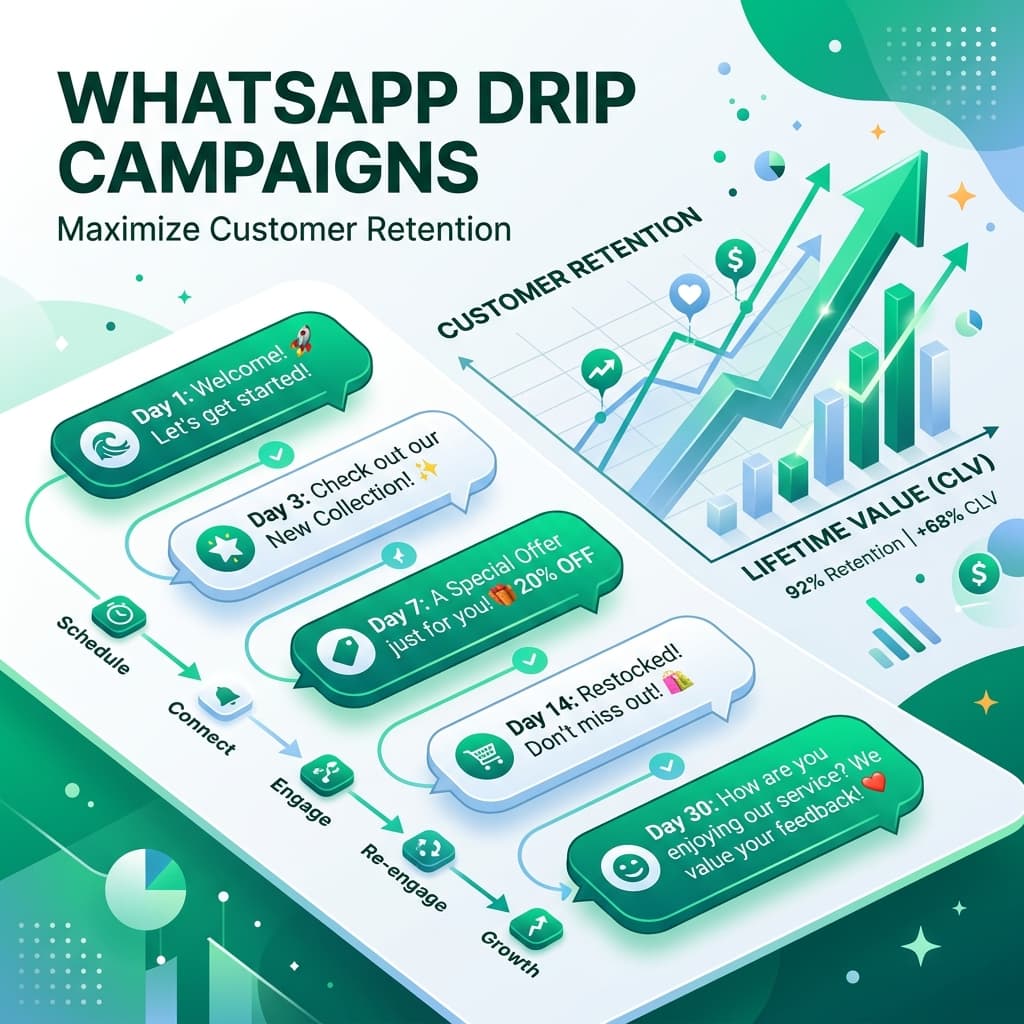
A simple lead workflow could send a welcome message after a new enquiry, wait for a reply, notify sales when someone is interested, and schedule a follow-up when there is no response. Templates can support recurring lead follow-ups, appointment communication and service notifications.
Who can use a WhatsApp business platform?
- E-commerce: customer support, order updates and product messages.
- Real estate: property enquiries and lead follow-ups.
- Education: course enquiries, student communication and follow-ups.
- Healthcare: appropriate enquiries and appointment-related communication.
- Service businesses: enquiries, reminders and customer support.
- Growing teams: coordinated access to customer conversations.
Manual messaging vs. a structured platform
| Manual process | With a platform |
|---|---|
| Individual conversations | Organized business inbox |
| Manual follow-ups | Automated workflows |
| Repeated replies | Templates and AI assistance |
| Scattered contacts | Centralized contact management |
The difference is a repeatable customer communication process that can grow with your team.
Start with one use case
You do not need to change every process at once. Start with lead follow-up, customer support, business messaging or a simple FAQ workflow, then expand as your needs grow.
Try Inaiwazhi free for 7 days with no credit card required. Explore the platform to bring WhatsApp messaging, AI, a shared inbox, bulk messaging and automation into one place.

Conversation
0 Comments
Leave a reply
No comments yet
Be the first to share your thoughts!