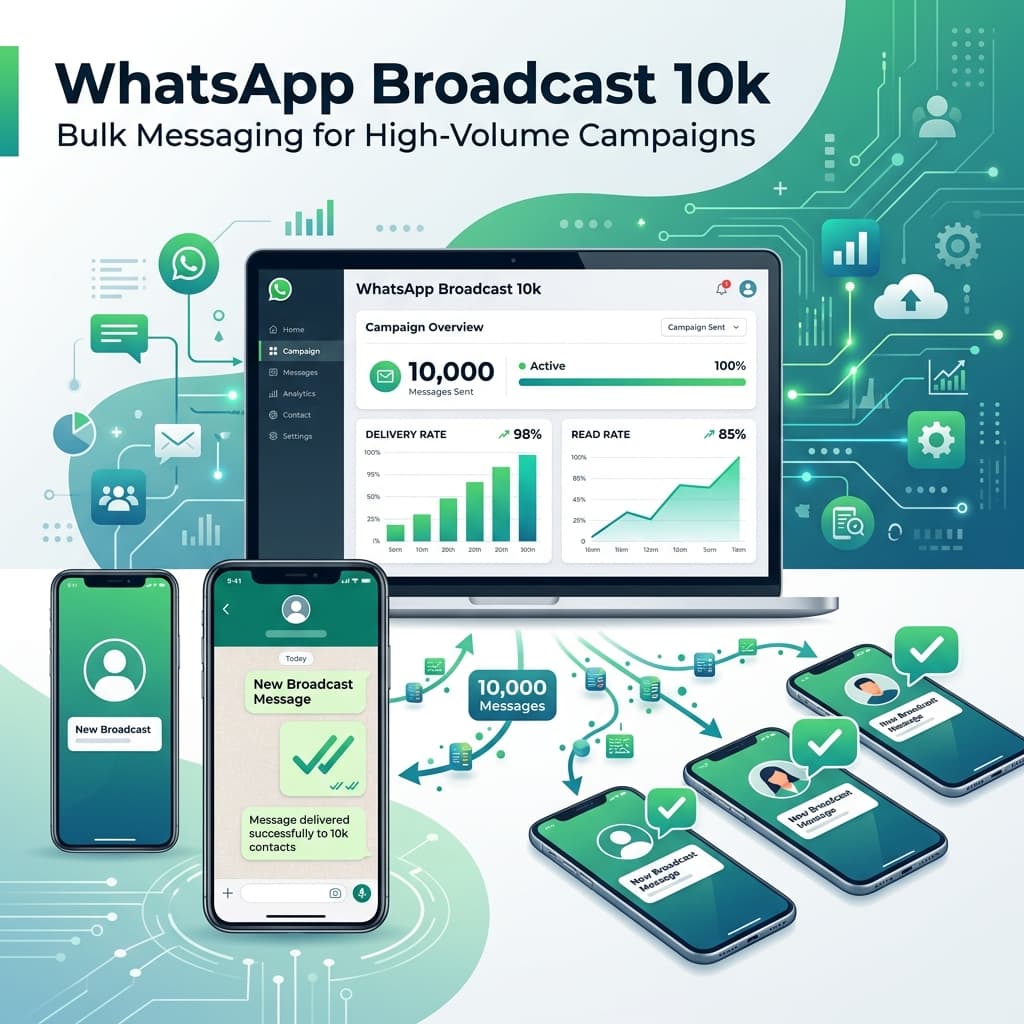
Key Takeaways from the 10k Message Campaign
- Understand the WhatsApp Business API limits and the tier rating system.
- Learn the realistic metrics: 95%+ delivery rates and 80-90% read rates.
- Calculate the cost of high-volume campaigns, including Meta conversation rates and platform charges.
- Recognize why numbers get flagged or blocked, and how to avoid it.
- Implement best practices like clear opt-out buttons and message personalization.
Introduction
Every WhatsApp Business API provider claims something similar: "Send 10,000 WhatsApp messages in one click."
Technically, that's true. But here's the question every business owner should ask: What actually happens after clicking "Send"?
Will all 10,000 messages be delivered? Will everyone read them? How many customers will reply? How many sales will you generate? Will Meta block your number? How much will it cost?
These are the questions that matter—and surprisingly few articles answer them with realistic expectations. This guide explains what actually happens behind the scenes when you send a large WhatsApp campaign using the official WhatsApp Business API.
Behind the Scenes: How WhatsApp API Processes 10,000 Messages
When you click "Send" in a dashboard like Inaiwazhi, the system doesn't blast 10,000 messages at once from your phone. Doing so would freeze your device and instantly trigger Meta's anti-spam algorithms.
Instead, the process looks like this:
- Campaign Queuing: The platform validates your contact list and formats the messages using your pre-approved template.
- API Dispatch: The campaign is securely transmitted to Meta's Cloud API servers via secure Webhooks and endpoints.
- Meta Processing: Meta queues the messages and delivers them to individual users. The dispatch speed depends on your account's throughput limits (typically 80 to 250 messages per second).
- Status Tracking: As messages reach devices, the API sends real-time status updates (Sent, Delivered, Read, Failed) back to your Inaiwazhi dashboard.
The 4 Stages of the Campaign Lifecycle
To understand the return on investment (ROI), let's break down the journey of these 10,000 messages into four distinct stages:
Stage 1: Delivery Rate (95% - 98%)
Out of 10,000 messages, expect between 9,500 and 9,800 to be successfully delivered. The remaining 200 - 500 messages usually fail because:
- The phone number does not have a WhatsApp account.
- The recipient's phone is switched off or lacks internet connectivity for more than 30 days.
- The number was formatted incorrectly (missing country code like +91).
Stage 2: Read Rate (80% - 90%)
This is where WhatsApp outperforms every other channel. While email marketing struggles with a 15-20% open rate, and SMS is ignored, 8,000 to 9,000 people will open and read your WhatsApp message, most within the first 30 minutes of delivery.
Stage 3: Response Rate (15% - 30%)
Response rates depend heavily on message quality. If you send a generic, hard-selling ad, expect low engagement. If you offer a clear value proposition with interactive quick-reply buttons (e.g., "Interested", "Show Catalog", "Talk to Agent"), 1,500 to 3,000 users will engage with your campaign or chatbot.
Stage 4: Conversion Rate (3% - 7%)
For a warm audience, a conversion rate of 3% to 7% is standard. This means your campaign of 10,000 messages can generate 300 to 700 successful conversions (sales, bookings, sign-ups, or demo schedules).
The Messaging Tier Reality Check
You cannot buy a new phone number, set up the WhatsApp API, and send 10,000 messages on day one. Meta enforces strict Daily Messaging Limits (Tiers) to prevent spam:
| Tier Level | Daily Limit | How to Reach It |
|---|---|---|
| Tier 1 | 1,000 unique recipients | Starting point for all newly verified phone numbers. |
| Tier 2 | 10,000 unique recipients | Automatically upgraded when you message 2,000+ unique users within 7 days with a good quality score. |
| Tier 3 | 100,000 unique recipients | Automatically upgraded when you message 20,000+ unique users within 7 days. |
| Tier 4 | Unlimited recipients | For large enterprises with mature campaigns and high volume. |
If you have a fresh API number, you must scale your campaign size gradually over 1 to 2 weeks to safely upgrade to Tier 2 (10,000/day limit).
How Much Does a 10,000 Message Campaign Cost?
Unlike standard SMS where you pay a flat rate, WhatsApp Business API pricing is conversation-based. When you send a bulk marketing message, you open a 24-hour Marketing Conversation Window.
Let's calculate the cost for a marketing broadcast targeted at users in India (using 2026 rates, approximately ₹0.72 per marketing conversation):
- Meta's Conversation Charge: 10,000 messages × ₹0.72 = ₹7,200 (excluding taxes).
- Platform Subscription Fee: Varies depending on your plan, but platforms like Inaiwazhi offer flat-fee monthly subscriptions starting around ₹1,999 to ₹4,999, which include a shared team inbox, chatbot builder, and unlimited agent seats.
Therefore, the total cost to run a single 10,000-user campaign is around ₹7,200 to ₹8,500. When you compare this to the conversion rate (generating 300 to 700 customer actions), the customer acquisition cost (CAC) remains exceptionally low.
Will Meta Block Your Number? The Spam Prevention Guide
This is the biggest concern for business owners. If you use unofficial WhatsApp scraper tools or bulk sender browser extensions, the answer is yes, you will be blocked within hours.
However, when using the official WhatsApp Business API, Meta will not block your number instantly. Instead, they monitor your Phone Number Quality Rating, which has three levels: Green (High Quality), Yellow (Medium Quality), and Red (Low Quality).
If your quality rating falls to Red due to high block or spam report rates, Meta will temporarily limit or 'flag' your number. If the negative feedback continues, your messaging tier will be downgraded, and the number may eventually be suspended.
The Magic of the 'STOP' Button
The single most effective way to prevent spam reports is to include a clear, clickable opt-out button in your message template. Give users a button labeled 'STOP' or 'Unsubscribe'. If they are not interested, they will tap the button (which triggers an unsubscribe action in your dashboard) instead of clicking Meta's default 'Report Spam' or 'Block' buttons. This keeps your quality rating Green and healthy.
Actionable Checklist to Run a Successful Campaign
Before launching a high-volume broadcast, review this checklist to ensure maximum success:
- Verify Consent: Ensure you are messaging users who have opt-in history (past customers, leads from your website, or chat history).
- Segment Wisely: Never blast the entire database with the same generic message. Separate your audience by location, past purchases, or interests.
- Keep Copy Conversational: Avoid writing paragraphs. Use short, punchy sentences, bullet points, and an inviting call to action.
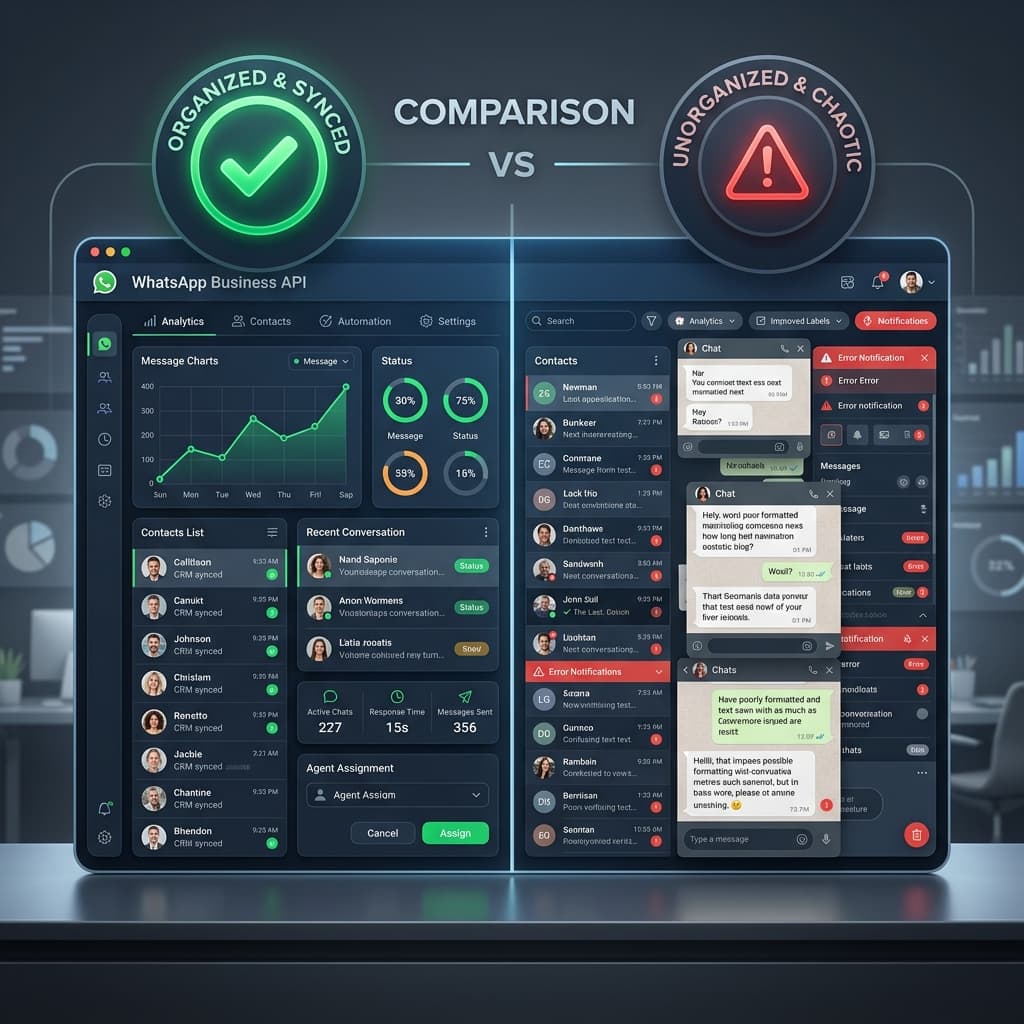
- Prepare Support Team: A 10,000 message campaign will trigger hundreds of replies within minutes. Ensure your team is logged into the Inaiwazhi Shared Team Inbox to resolve inquiries immediately.
Final Thoughts
Sending 10,000 bulk WhatsApp messages is an incredibly powerful way to scale sales and customer support. However, it requires a strategic approach. By choosing the official WhatsApp Business API, setting up clear opt-out options, and segmenting your audience, you can protect your brand's number while driving massive engagement and revenue.
Ready to Scale Your Customer Communication Safely?
Set up your official WhatsApp Business API with Inaiwazhi today and launch high-converting campaigns that respect customer preferences and drive results.
Schedule a Free Demo
Conversation
0 Comments
Leave a reply
No comments yet
Be the first to share your thoughts!